To plan a hackathon from start to finish, work backwards from one measurable outcome and follow a fixed sequence: define the goal, pick a format and dates, design the challenges, assemble the organizer team, budget it, confirm venue and tooling, recruit and onboard people, publish the judging rubric, then run the event and follow up within a month. Most first-time organizers scramble these in the wrong order, and that is why events end in rushed demos that never become anything.
A hackathon is simply a time-boxed event, usually 24 to 48 hours, where small teams build and demo prototypes against shared challenges. The organizers behind the best ones spend most of their effort before the doors open, not on the day.
Table of Contents
- What You Need
- Step-by-Step: How to Plan a Hackathon From Start to Finish
- 1. Set a Clear Purpose and Outcome
- 2. Choose the Format and Set Boundaries
- 3. Design the Challenge and Schedule
- 4. Recruit Participants, Mentors, and Judges
- 5. Build the Team and Assign Responsibilities
- 6. Arrange Venue, Technology, and Accessibility
- 7. Create the Judging and Recognition System
- 8. Promote, Register, and Support Participants
- 9. Run the Event and Measure What Happened
- Common Mistakes
- Frequently Asked Questions
- Conclusion
What You Need
You can start planning a hackathon with a spreadsheet and a shared document, but four things have to exist before you announce anything: a written objective, named owners, a fixed date, and a rough budget range. Without those, every conversation with a sponsor or a venue turns into a debate.
Planning materials
- One-page objective statement with a measurable result you can actually check afterwards.
- Challenge briefs, one page each, describing the problem, the data or APIs available, and what a prototype should do.
- Run of show, minute by minute, from registration through the closing announcement.
- Judging rubric with weighted criteria, shared with judges and participants before the event.
- Code of conduct, safety plan and accessibility notes, published on the registration page.
- Risk list covering the things that most often break: registration collapse, Wi-Fi, projector failure, no-show judges.
Roles
Someone has to own each of these areas: event lead, challenge lead, logistics coordinator, participant lead, judging lead, communications lead, and one named safety contact. Small events combine roles, but never leave safety and judging unowned.
Tool stack
Most organizers end up with the same short list: a registration and submission platform, a chat channel for announcements, a shared run-of-show doc the team edits live, a score sheet for judges, and a sponsor or invoice tracker. Keep it to tools your team already knows; new tooling costs more hours than it saves.
Budget categories
Track four buckets even if the total is small: venue and travel, food across the full duration, prizes and swag, and contingency. Holding back roughly 10 percent for contingency covers the extra pizza order and the extension cords nobody thought to buy.
Step-by-Step: How to Plan a Hackathon From Start to Finish
The sequence below runs in order and each stage depends on the one before it. Skip ahead and you will end up with a venue booked for the wrong format or a rubric that contradicts the challenge brief.
1. Set a Clear Purpose and Outcome
Write one sentence describing what changes if the event succeeds. Not “bring the developer community together” but “produce five tested prototypes that our city departments can evaluate, and collect 100 qualified sign-ups.” One sentence, one number, no adjectives.
Then choose a theme broad enough to allow creativity but tight enough to produce comparable projects. A civic or smart-city event works better with themes like “use open city data to shorten a resident’s trip to work” than with “innovation and sustainability.”
Organizers tend to over-invest in event day and under-invest in recruitment and community building beforehand. The work before registration opens is what determines the size and skill of the room on day one.
Success check: someone outside your team can read your objective and describe what the event produces without asking a follow-up question.
2. Choose the Format and Set Boundaries
Pick the format before the venue, because the format drives almost every other decision. Duration is the simplest lever: 24 to 48 hours is the standard range, and going shorter means judging quality suffers because nobody finishes.
| Format | Best for | What changes operationally |
|---|---|---|
| In-person | Campus events, community build nights, sponsor showcase days | Most logistics: rooms, power, food, printing, accessibility, on-site support |
| Hybrid | Teams split across cities or a company with several offices | Remote participants need equal demo time, their own announcement channel and a named remote liaison |
| Virtual | Open-data and civic challenges with a global audience | Everything shifts to tooling: onboarding calls, timezone overlap, async judging, platform testing |
| Internal | Talent discovery and cross-team innovation inside one company | Judging must stay separate from managers to keep scores honest |
| External | Ecosystem and partner engagement, recruitment pipelines | Registration, vetting and partner coordination dominate the workload |
| MVP sprint | Testing one narrow idea with a small invited group | No public marketing needed; focus on a working demo and honest feedback |
Set team size, eligibility and expected attendance in the same document. Expect roughly a third of registrants to show up in person, so target registrations at about three times the room capacity. Cap team size at four or five; larger teams produce one person coding while five watch.
Success check: you know the start and end times, the maximum number of people, and who is eligible, and all three fit on one page.
3. Design the Challenge and Schedule
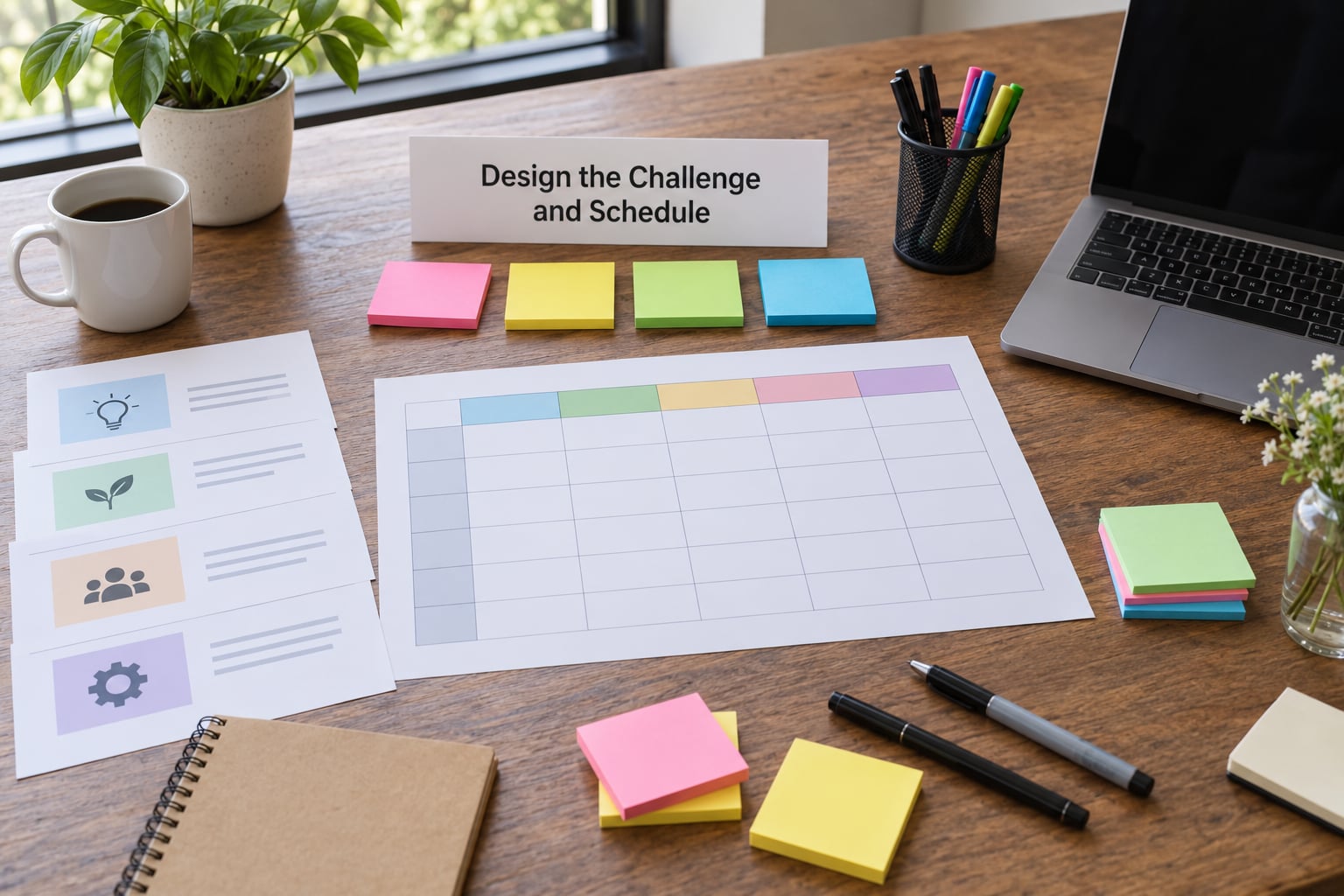
A good challenge brief fits on one page and answers five questions: what problem exists, who has it, what data or tools are available, what a prototype should demonstrate, and what counts as success. Write them so a participant can read one on the train and know what to build on arrival.
Open-ended themes with no constraint produce randomness. Participants arrive with wildly different interpretations and the judges end up comparing a mobile app against a data pipeline. Three to five challenges, each specific, beats one sprawling theme every time.
Build the schedule backwards from the demo deadline. For a 24-hour event: registration and check-in in the first hour, kickoff and challenge pitches in hour two, team formation and setup by hour four, a mentor walk-through before the first overnight stretch, meals and a short sleep window, build blocks, submission freeze two hours before demos, demos, judging, then a closing session that names next steps rather than just handing out prizes.
| Phase | Key actions | Owner | Deliverable |
|---|---|---|---|
| T-12 weeks | Objective, theme, dates, format, budget range | Event lead | One-page plan signed off |
| T-8 weeks | Challenges written, venue shortlist, sponsor outreach opened, registration form live | Challenge lead, logistics, communications | Challenge briefs, venue options |
| T-6 weeks | Venue and sponsors confirmed, judges and mentors confirmed, kit and rubric drafted | Event lead | Signed venue, sponsor commitments |
| T-4 weeks | Public announcement, promo calendar starts, code of conduct published | Communications lead | Announcement, promo calendar |
| T-3 weeks | Onboarding emails begin, pre-event workshops, mentor matching | Participant lead | Mentor roster, onboarding sequence |
| T-1 week | Final headcount, food orders, test the submission platform, brief volunteers | Logistics coordinator | Run of show, floor plan |
| T-0 | Run the event, judge, award, collect feedback on site | All leads | Scores, winner, feedback responses |
| T+1 week | Results announcement, thank-yous, survey analysis | Communications lead | Public results, survey summary |
| T+4 weeks | Demo day or showcase, sponsor report, next-edition handoff | Event lead | Sponsor report, next plan |
Success check: a volunteer who has never seen the event can run the schedule from the page alone.
4. Recruit Participants, Mentors, and Judges
Announce at least one month ahead. Shorter notice is the single most common reason attendance collapses, because participants need that time to research the challenges, form teams and get their tooling ready.
Keep the registration form to the essentials: name, contact, skills, tools they know, and whether they are arriving solo. Every extra question costs sign-ups, and a form that takes more than two minutes produces a lot of empty fields.
For mentoring, a workable starting target is roughly six mentors per 100 participants, and more if many participants are first-timers. Recruit judges separately from mentors: judges score and must stay unbriefed on teams, mentors advise and may sit on multiple projects.
Ask applicants about accessibility needs and dietary requirements in the form itself, then act on the answers quietly rather than singling anyone out on the day.
Success check: every confirmed participant has received the handbook, every team has a mentor assigned, and every judge has the rubric.
5. Build the Team and Assign Responsibilities
Assign one owner per deliverable, never two. Shared ownership is how catering orders get placed twice and the run of show never gets updated.
| Role | Owns | Hand-off that fails if skipped |
|---|---|---|
| Event lead | Objective, dates, budget, final decisions | Nothing moves without a decision |
| Challenge lead | Challenge briefs, mentor assignments | Participants build the wrong thing |
| Logistics coordinator | Venue, power, connectivity, food, equipment, backups | The event stalls on the day |
| Participant lead | Registration, confirmations, onboarding, team formation | Solo attendees sit idle for an hour |
| Judging lead | Rubric, judge briefing, score collection, conflicts | Scores arrive inconsistent and disputed |
| Communications lead | Promotion, announcements, results, thank-yous | Nobody hears about the event |
| Safety contact | Code of conduct, incidents, first aid, accessibility | A problem escalates with no named person |
If you are attending the whole event as an organizer, take a day off in the middle of the week beforehand. Practitioners repeatedly recommend it, because the build-up period is when most decisions get made.
Success check: each person can describe their deliverable and its deadline without looking it up.
6. Arrange Venue, Technology, and Accessibility
Walk the venue yourself before committing. Count power outlets per seat, check Wi-Fi in the corners where teams will huddle, and find the rooms you will need for kickoff, mentoring and quiet work.
Bring redundancy: a spare router or a tested hotspot, a backup projector or large screen, printed copies of the schedule, and a charging trolley. Test the submission platform with two or three dummy entries a week ahead; an untested form is the most common cause of lost submissions.
Accessibility is not an extra. Provide step-free routes, seating for anyone who needs it, accessible bathrooms, captioned or recorded announcements, and a quiet room away from the main noise. Publish these details with the confirmation email so nobody has to ask in front of a crowd.
For hybrid events, give remote participants a named liaison, mirror announcements into their channel, and schedule their demos in the same slot structure as in-room teams. Otherwise remote participants feel like spectators.
Success check: you can answer every “what happens if” question in the risk list with a named workaround.
7. Create the Judging and Recognition System
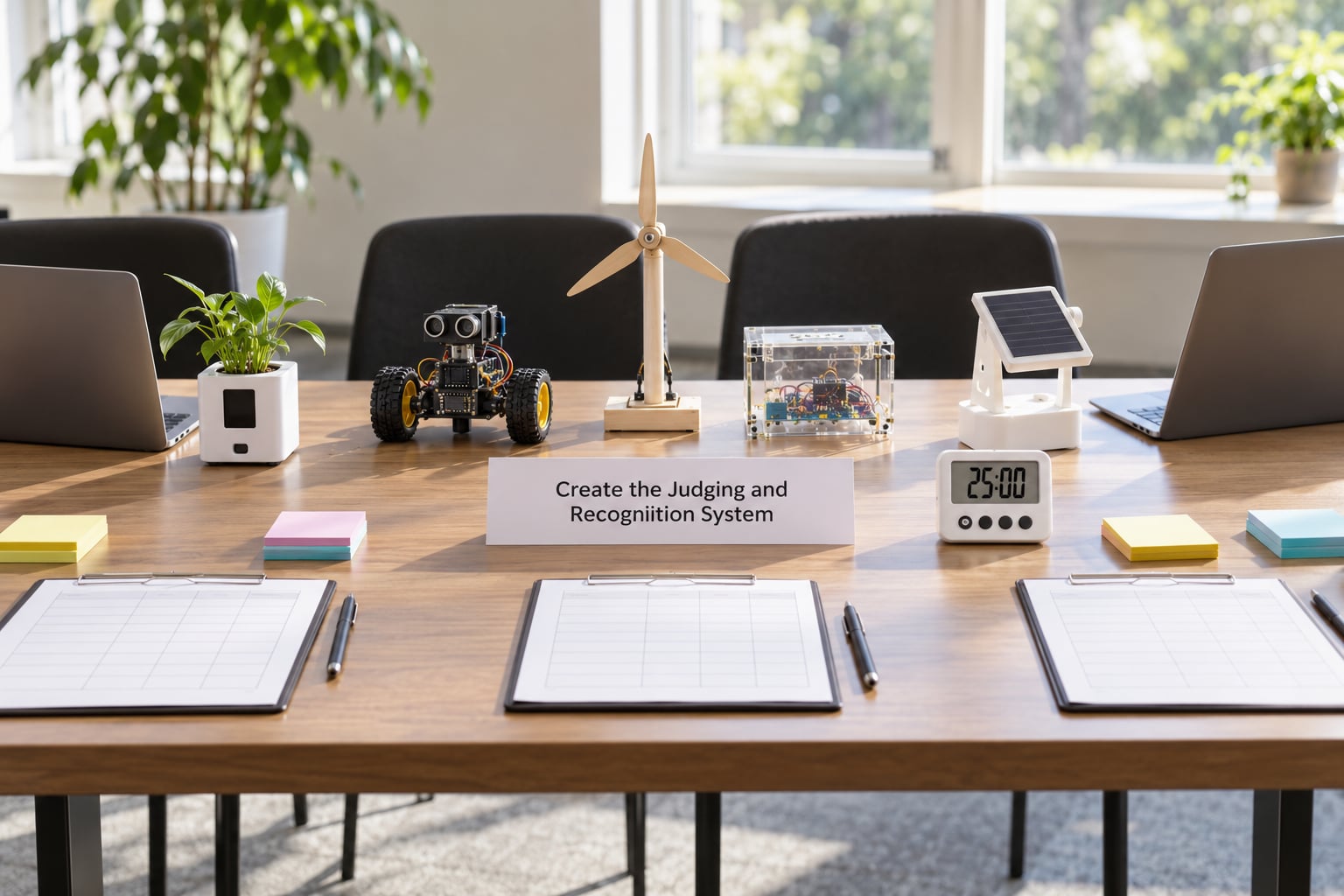
Publish the rubric before the event so participants know what good looks like. Three or four weighted criteria are easier to score consistently than a long list, and weights stop the panel from drifting toward whichever demo was most entertaining.
| Criterion | Weight | What judges look for |
|---|---|---|
| Problem fit | 30 percent | Does it address the stated challenge, or a nearby easier one? |
| Working prototype | 30 percent | Does the demo run live, or is it a slide deck? |
| Originality | 20 percent | Is the approach new, or a repackaged common idea? |
| Usefulness and clarity | 20 percent | Would someone outside the room understand the value in two minutes? |
Brief judges in one 30-minute call: the rubric, the scoring scale, the time limit per team, the rule against coaching, and the conflict of interest process. Tell judges to score independently before discussing; a panel that negotiates a single number produces mush, not consensus.
Have judges declare conflicts up front, and put one alternate on standby. Then recognize more than a single winner: best first-time team, best civic impact, best design, people’s choice. Several smaller awards cost nothing and stop the disappointment that follows one winner taking everything.
Success check: every score sheet comes back filled, and the totals can be recalculated without asking a judge anything.
8. Promote, Register, and Support Participants
Promotion runs on a calendar, not on inspiration. Open with the announcement, then post the challenges and the rubric, then push the last call for registration a week out, then run a countdown. Post where participants already are: local developer groups, university societies, civic and community networks, partner mailing lists.
Registration flow matters as much as the ad. Short form, instant confirmation, one handbook link, and one clear “what to bring” note. Send a pre-event email the week before with the schedule, tool prerequisites, access credentials, code of conduct, accessibility details and the team-formation plan.
Solve team formation in advance. Solo registrants get matched through a short intake on skills and interests, plus a team-mixing activity in the first 30 minutes. Leaving it to chance wastes the opening hour, which is the most valuable hour of the whole event.
Success check: every registrant has arrived with a machine that runs, accounts that work and, ideally, a team already formed.
9. Run the Event and Measure What Happened
On the day, the run of show is the plan and the team is the backup. Keep one channel for announcements, one for urgent issues and a named person on each. Everything that changes on the day gets written into the shared doc immediately so the next shift sees it.
Run a short check-in the morning of, a mentor walk-through before the first long build block, and a five-minute announcement before the submission freeze so nobody is surprised by the deadline.
Collect the numbers. Registration total against show-up rate tells you whether your promotion was accurate. Submission rate against attendance tells you whether the challenge was buildable. Demos delivered tell you whether the schedule worked. Add a short survey at close covering the two hardest moments, and treat the answers as the input to next year’s plan.
Momentum dies here more than anywhere else. Within two weeks, announce results, thank sponsors, mentors and judges, and publish what happens to winning prototypes. Within four, hold a demo day, send sponsors a short report on reach and outcomes, and write the handoff for the next edition while it is still fresh.
Success check: you have results published, a survey summary and a named owner for every follow-up action.
Common Mistakes
Most failed events come from the same short list of errors, and each one has a simple fix.
- Announcing too late. Under a month of notice leaves no time to prepare. Fix: announce four weeks out and confirm three weeks out.
- A registration form that asks too much. Long forms lose sign-ups. Fix: six fields maximum and one short skills question.
- A vague theme with no constraint. Projects end up incomparable. Fix: three to five specific challenges, each on one page.
- Coding-only framing. Designers, product and domain people assume they are not welcome and never come. Fix: state the roles you need explicitly in the promotion.
- Solo attendees with no team. They sit idle through the most valuable hour. Fix: pre-event matching plus an icebreaker that mixes teams immediately.
- No published judging criteria. Disagreement about fairness follows you home. Fix: publish the weighted rubric with the announcement.
- A single winner and nothing else. Everyone else leaves deflated. Fix: four or five recognitions, including a first-timer award.
- Remote participants treated as an afterthought in hybrid events. Fix: a named remote liaison and equal demo slots.
- No code of conduct or safety plan. Universities and corporate venues require both. Fix: one page each, published on the registration page.
- No follow-up plan. Winning prototypes never ship and sponsors disengage. Fix: assign a follow-up owner at kickoff, not after the event.
A few habits help more than anything else. Write the objective first and reread it whenever a new idea arrives. Give one person clear ownership of each deliverable. Test the submission flow a week ahead. Keep the theme specific enough that two judges can agree on what a good entry looks like. And tell participants what happens after the event, early, because that single sentence is what turns a weekend into a community.
Frequently Asked Questions
How to prepare for a hackathon as a beginner?
Install your development tools, create accounts for any APIs or data portals, and clone any starter repositories before you travel. Read the challenge briefs and pick two you understand rather than ten you do not. Bring a charger, a power bank and a notebook. Plan to build one small working demo, not a full product, and find a team early since solo attendees rarely finish alone.
How long should a hackathon last?
Most successful events run 24 to 48 hours. That range gives teams enough consecutive hours to build something that actually works while staying short enough that nobody burns out before the demo. Shorter formats of six to twelve hours work well for onboarding events and non-technical audiences. Going longer rarely helps, because scope expands to fill the extra time.
Can you use ChatGPT or AI coding assistants in a hackathon?
It depends entirely on your rules, and you must state them clearly in advance. Many events allow AI assistants but require teams to disclose what they used and what they verified. Some competitive events ban them outright so the work stays original. Announce the policy with the challenge briefs, repeat it at kickoff, and make it part of the rubric so the standard applies to everyone equally.
How do you organize a hackathon with no budget?
Move the event to a space you already have access to, such as a community centre, a university room or a partner office, and run it as a half-day or evening sprint rather than an overnight. Replace cash prizes with recognition, mentorship and a showcase slot. Ask technology partners for hardware support, since laptops, connectivity and cloud credits are easier to get than funding.
Are hackathons worth the time, and are they good for a CV?
They are worth it when the challenges are real, the judging is transparent and there is a follow-up path, and close to worthless when they are an excuse for team building with no outcome. For participants, a finished prototype, a public demo and a reference from an organizer carry far more weight on a CV than attendance alone. Publish the results and the showcase so the work stays visible.
Conclusion
Planning a hackathon from start to finish is nine decisions in a fixed order: purpose, format, challenges and schedule, people, team, venue, judging, promotion, then the event and its follow-up. Each stage gives you what the next one needs, so the order does most of the work for you.
Start today by writing the one-sentence objective, locking the format and dates, drafting a single challenge brief, and naming who owns each of the seven roles. Everything else on this list hangs off those four pieces, and once they exist the remaining nine weeks of planning take shape on their own.