Writing content for a government website means creating pages that help residents find and finish a task, using plain language that meets accessibility and legal requirements such as Section 508 and the Plain Writing Act, and staying accurate, current and neutral. If you handle content for a city, county, state or federal agency, this guide gives you the workflow, the templates and the review chain to do it well.
The hard part is not the writing. It is that every page carries obligations most private sites skip: a named owner, an accessibility review, a legal sign-off, a records trail, and a schedule for revisiting it six months later. Teams that treat content as managed work rather than a publishing chore end up with fewer corrections, faster approvals and fewer residents turned away at the counter.
Table of Contents
- What You Need to Write Content for a Government Website
- Step-by-Step: How to Write Content for a Government Website
- Step 1: Set the User Task
- Step 2: Research the Information and Confirm Ownership
- Step 3: Write Clear, Plain-Language Content
- Step 4: Build Trust With Service Details
- Step 5: Make the Page Accessible and Usable
- Step 6: Plan Reviews, Approval, and Publishing
- Step 7: Measure Results and Improve the Content
- Common Government Website Content Mistakes
- Frequently Asked Questions
- What tone should writers use on a government website?
- Who should approve content for a government website?
- How often should government website content be reviewed?
- Should government websites use PDFs instead of web pages?
- How can a government website improve accessibility?
- What metrics show whether government website content is useful?
- Conclusion
What You Need to Write Content for a Government Website
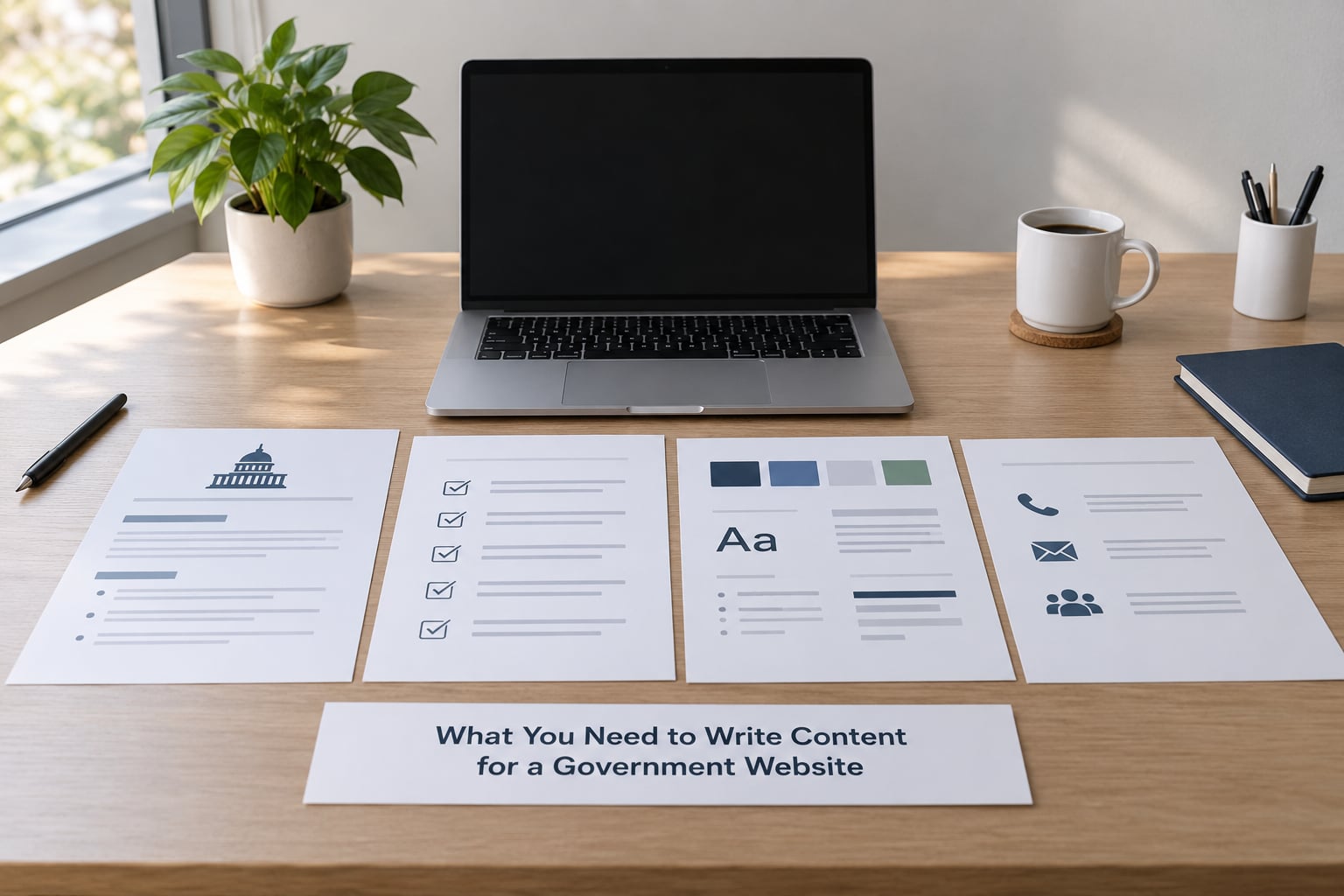
Before you write a word, gather these seven things. A missing one of them is usually the reason a page stalls in review for three weeks.
- The audience and their task. Not “residents” in general. Name the person and the job: a renter trying to understand a security deposit rule, a small contractor checking a licence renewal date, a parent registering a newborn.
- The service goal. One page, one goal. If you cannot name the single action you want a resident to take, the page will not do it.
- Authoritative source material. The ordinance, the board resolution, the program policy, the statute. Write from the source, not from memory or a press release.
- Accessibility requirements. Know which standard your jurisdiction is held to. Federal agencies answer to Section 508 of the Rehabilitation Act and WCAG 2.1 Level AA; many state and local entities answer to an ADA Title II web rule that incorporates the same technical standard.
- A style guide and glossary. Agency-specific terms need one approved spelling and one approved definition. This is the artifact that stops a page from drifting.
- A named publishing owner. Someone with login access who can push the page live, and someone named separately who answers for accuracy.
- The approval stakeholders. Subject-matter expert, legal or policy reviewer, accessibility reviewer, communications, publisher. More on this in the workflow section.
Here is the short version of the eight rules that matter most, if you only have ten minutes before a meeting.
- Write for one task per page.
- Put the answer in the first two sentences.
- Use active voice and everyday words.
- Name a human owner for every page.
- Never publish a claim you cannot source.
- Write link text and alt text like sentences, not labels.
- Set a review date before you publish, not after.
- Prefer a web page over a PDF for anything a resident has to act on.
Step-by-Step: How to Write Content for a Government Website
Step 1: Set the User Task
Start by writing down the sentence a resident would say out loud: “I want to renew my business licence.” That sentence is your page. Everything else on the page is secondary.
Then decide whether the page is transactional or informational. Transactional pages are permits, payments, benefits enrollment, licence renewals, meeting notices. They need the eligibility rules, the deadline, the fee, the steps, and a way to start. Informational pages are policy explainers, news, department overviews. They need context and a clear next step, but they do not need a checkout flow.
Mixing the two is a common failure. A policy page that ends with “contact us for more information” wastes a resident’s time. Be honest about which type you are writing, because the checklist afterwards changes completely.
Step 2: Research the Information and Confirm Ownership
Read the primary source before you draft. If the page describes a noise ordinance, read the ordinance. Board agendas, minutes and ordinance numbers are what make a page defensible months later when someone asks why you said it.
Then confirm ownership of the facts. Which department maintains this number, this fee, this deadline? A published page with no owner is a page nobody is allowed to correct. Write down the owner, the last verified date and the next review date at the top of the draft, where the reviewer can see them.
Keep a running list of questions you could not answer. Questions like “does this apply to seasonal vendors” or “who signs off if the fee changes” belong in that list from hour one, not in a comment thread three reviews later.
Step 3: Write Clear, Plain-Language Content
Plain language is a legal requirement for federal agencies under the Plain Writing Act of 2010, which commits them to writing communications the public can understand and use. Locally, it is usually a policy or a customer service standard, and it is good practice everywhere.
In practice it means: one idea per paragraph, active voice, short sentences, familiar words, and the answer before the explanation. It does not mean removing required detail. Eligibility criteria, statutory deadlines, legal citations and fee amounts stay exactly as written, because the resident is relying on them.
| Instead of | Write |
|---|---|
| Promulgating the amended regulations is hereby authorized. | The council approved the new rules. They take effect on the date listed below. |
| Residents are advised that failure to comply may result in penalties. | You can be fined if you do not comply. The penalty is listed below. |
| Please be advised that the office will be closed on the holiday. | The office is closed on the holiday. Plan your visit for another day. |
| Assistance is available to persons who meet the income guidelines. | You may qualify for help if your income is under the limit. Check your amount on the page. |
| Utilize the attached form when applying for the permit. | Use the attached form to apply for the permit. |
Read drafts out loud. If you run out of breath before the end of a sentence, split it. Government publishing platforms such as Drupal or WordPress will not save you from a page nobody can parse.
Step 4: Build Trust With Service Details
Trust on a public page comes from specifics that private sites can skip: the exact office, the phone number, the hours, the physical address, the eligibility rules, the deadline, the fee, and the date the policy took effect.
Also tell residents what happens next. If they submit a form, say what they will receive and roughly when. If a request needs an interview, say how the agency will contact them. Uncertainty is where calls to the counter come from.
Show your work. Link to the ordinance or board resolution behind the page, put the last-updated and next-review dates in the footer, and publish the accessibility statement with contact information for requesting help in another format or language. Transparency here is not a slogan; it is a set of small, checkable facts.
Step 5: Make the Page Accessible and Usable
Accessibility is where most agency pages fail, and the fixes are mostly writing decisions rather than developer decisions.
- Use a real heading structure, one H1 per page, and no heading levels skipped.
- Write link text that makes sense out of context. “Read the permit application instructions”, not “click here” or a raw file name.
- Write alt text that describes the purpose of the image, and leave it empty for decoration.
- Label every form field, state requirements before the field, and never use a placeholder as the only label.
- Give data tables real headers, and never merge cells to make a layout look tidy.
- Check that links and buttons work from the keyboard and can be seen against the background.
- Use plain words in buttons. “Start permit application” beats “Submit”.
Test it the cheapest way first: unplug the mouse and read the page aloud to a colleague. Anything you cannot reach, read or understand is a defect worth fixing before launch.
Step 6: Plan Reviews, Approval, and Publishing
The publishing process is the least documented part of government content work, and the most common source of frustration. A Reddit thread in r/SEO asking how to post an article on a government site captures the confusion well: people cannot tell who decides, or how a draft becomes a live page. Write the process down. Publish it internally.
| Role | Responsibility | Typical turnaround |
|---|---|---|
| Author or content manager | Drafts from source, owns accuracy and the review date | Draft and revisions |
| Subject-matter expert | Confirms facts, fees, dates and eligibility rules | 2 to 5 business days |
| Legal or policy reviewer | Checks statutory language, citations and risk | 3 to 10 business days |
| Accessibility reviewer | Checks headings, link text, alt text, forms and documents | 1 to 3 business days |
| Communications | Checks voice, tone and message alignment | 1 to 2 business days |
| Publisher or web administrator | Publishes, sets metadata, verifies redirects and analytics | Same day once approved |
| Records officer | Confirms the published version matches what was approved | On request, or at archive |
Set these as named roles with named people, not as departments. “Legal reviews” is a queue; “Dana in the city attorney’s office approves fee language” is a plan.
Decide the order once. A workable default is subject-matter expert, then legal, then accessibility, then communications, then publish. Reversing accessibility to the end guarantees rework, because accessibility failures often mean rewriting a heading or a link.
Keep the record. Save the approved draft, the date, the approvers and the version that went live. When a resident disputes a decision, that record is what shows the agency published what it approved.
Step 7: Measure Results and Improve the Content
Pageviews will tell you almost nothing. A page that is confusing gets abandoned quickly, which looks like low traffic, and a page that is confusing in a high-stakes moment gets shared by email and outside your analytics entirely.
Measure task movement instead: how many people start a process and how many finish it. The distinction matters. In a widely cited interview with GetCalFresh’s Dave Guarino in Asterisk Magazine, the observation was that a SNAP application ran roughly 200 questions across about 50 screens, while a rewritten minimal version asked for a name, address, signature and date. Most denials were procedural rather than eligibility based. That is the argument for content work in a budget meeting: unclear content is a policy outcome, because people are turned away for reasons that have nothing to do with whether they qualify.
Track a small set of numbers per page: form starts, form completions, abandonment at a specific step, calls or counter visits that mention the page, search terms that land on the page, and corrections made after publication. Pair them with the cheap research that small agencies can actually run: reading assistance logs from the library, the questions front-desk staff answer every day, and the words people type into the site search box and leave.
That last one is the most useful input for rewriting a page. If residents type “garbage can” and the page says “refuse and recycling services”, you have a vocabulary problem, not a design problem.
Common Government Website Content Mistakes
Writing in institutional voice. The page sounds like a memo because the audience was imagined as an internal audience. Rewrite for the person who needs to act today, and test the draft against the source for accuracy.
Leaving pages without an owner. Nobody knows who may correct the fee, so the wrong fee stays up for years. Assign an owner and a review date to every page, including the ones nobody complains about.
Hiding the action. A page explains a program thoroughly and never says how to apply. Put the primary action in the first screen and repeat it at the end.
Sending everything as a PDF. PDFs are hard to read on a phone, impossible to navigate by screen reader when badly tagged, and easy to leave unsearchable. Keep the instructions on the page in HTML and offer the PDF as a download.
Publishing claims nobody sourced. Statistics, dates and projections need a source and a date. If the source is a press release from three years ago, either update it or remove it.
Assuming review is somebody else’s problem. Reviews stall when nobody chases them. Give each reviewer a named person, a due date and a reminder, and decide who breaks a tie when comments conflict.
Overloading staff with new tools. Large-jurisdiction templates get copied down to a county with two part-time staff and a volunteer webmaster. Offer one service page template and one checklist, and let small teams publish with what they have.
Frequently Asked Questions
What tone should writers use on a government website?
Use a plain, direct, neutral tone aimed at a resident with a task. Short sentences, active voice, everyday words, and no promotional language. Federal agencies are required by the Plain Writing Act of 2010 to write communications the public can understand and use. Keep required legal detail, fees and deadlines exactly as the source states them, and cut only the phrasing that adds tone without adding meaning.
Who should approve content for a government website?
Usually four roles: a subject-matter expert who confirms the facts, a legal or policy reviewer who checks citations and statutory language, an accessibility reviewer who checks headings, link text, alt text and forms, and a publisher who pushes the approved version live. Small jurisdictions often combine these into one or two people, which is fine, as long as each check has a named owner.
How often should government website content be reviewed?
Set a review date before publishing rather than after. High-change pages such as permits, fees and deadlines need review every few months, seasonal and program pages twice a year, and stable reference pages annually. Emergency and time-sensitive pages need a standing update process instead of a calendar. Whatever the interval, the owner and the next review date belong in the page footer.
Should government websites use PDFs instead of web pages?
Keep anything a resident must act on in HTML on the site. Instructions, eligibility rules and deadlines belong on a page that works on a phone and can be read with a screen reader. Offer a tagged, accessible PDF as a download for people who need a printable or signed copy, and link back to the live page so the PDF never becomes the only version of the rules.
How can a government website improve accessibility?
Start with structure: one H1 per page, no skipped heading levels, descriptive link text, meaningful alt text, labelled form fields, real table headers, and full keyboard operation. Then check the media, documents and PDFs, which are where most failures hide. WCAG 2.1 Level AA is the technical baseline most agencies are held to, through Section 508 at the federal level and the ADA Title II web rule at many state and local levels.
What metrics show whether government website content is useful?
Track whether residents complete tasks: form starts against completions, abandonment at a specific step, corrections made after publication, and calls that mention a page. Search terms that bring people to a page and then leave it are a strong signal that the page uses the wrong words. Pageviews alone will flatter a confusing page that people abandon quickly.
Conclusion
Pick one high-value public service page this week, one a resident uses often and gets wrong often. Confirm which department owns the facts, write the user’s task at the top of a brief, and draft against the template. Then run it through the four review roles you have named and publish it with an owner and a review date attached.
That one page is where the workflow becomes real. Everything after it gets faster, because the template, the glossary and the approval chain already exist.