To integrate with a 311 service API, you need the city’s base URL, credentials, a map of its service request schema, and a plan for the errors it will throw back at you. Most integrations take a few days if the city has published documentation, and considerably longer if you have to request an API key through a formal agreement.
Here is the honest starting point: there is no universal 311 API. Each jurisdiction publishes its own endpoint, its own authentication rules, and its own vocabulary for service types and statuses. The Open311 standard gives you a common shape to code against, but you will still be writing a per-city adapter for years.
This guide walks the full path: finding the endpoint, getting access, mapping the data, submitting a request, tracking status, and handling the failure modes that only show up in production.
Table of Contents
- How to Integrate with a 311 Service API: What You Need
- Step-by-Step
- 1. Confirm That the City Exposes an API
- 2. Create a Test Account and Map the Data
- 3. Authenticate and Protect API Credentials
- 4. Build the Service-Request Submission Flow
- 5. Retrieve Status Updates and Return Service Information
- 6. Add Pagination, Rate Limits, and Error Handling
- 7. Test the Integration Before Going Live
- 8. Launch, Monitor, and Keep the Integration Current
- Common Mistakes
- Frequently Asked Questions
- Can one 311 service API integrate an app with every city?
- Is a 311 service API the same thing as a customer relationship management system?
- Which HTTP method is normally used to submit a 311 request?
- What should a developer do if a city has no public 311 API?
- How long does a 311 API integration usually take?
- Conclusion: Start with a Small, Testable Pilot
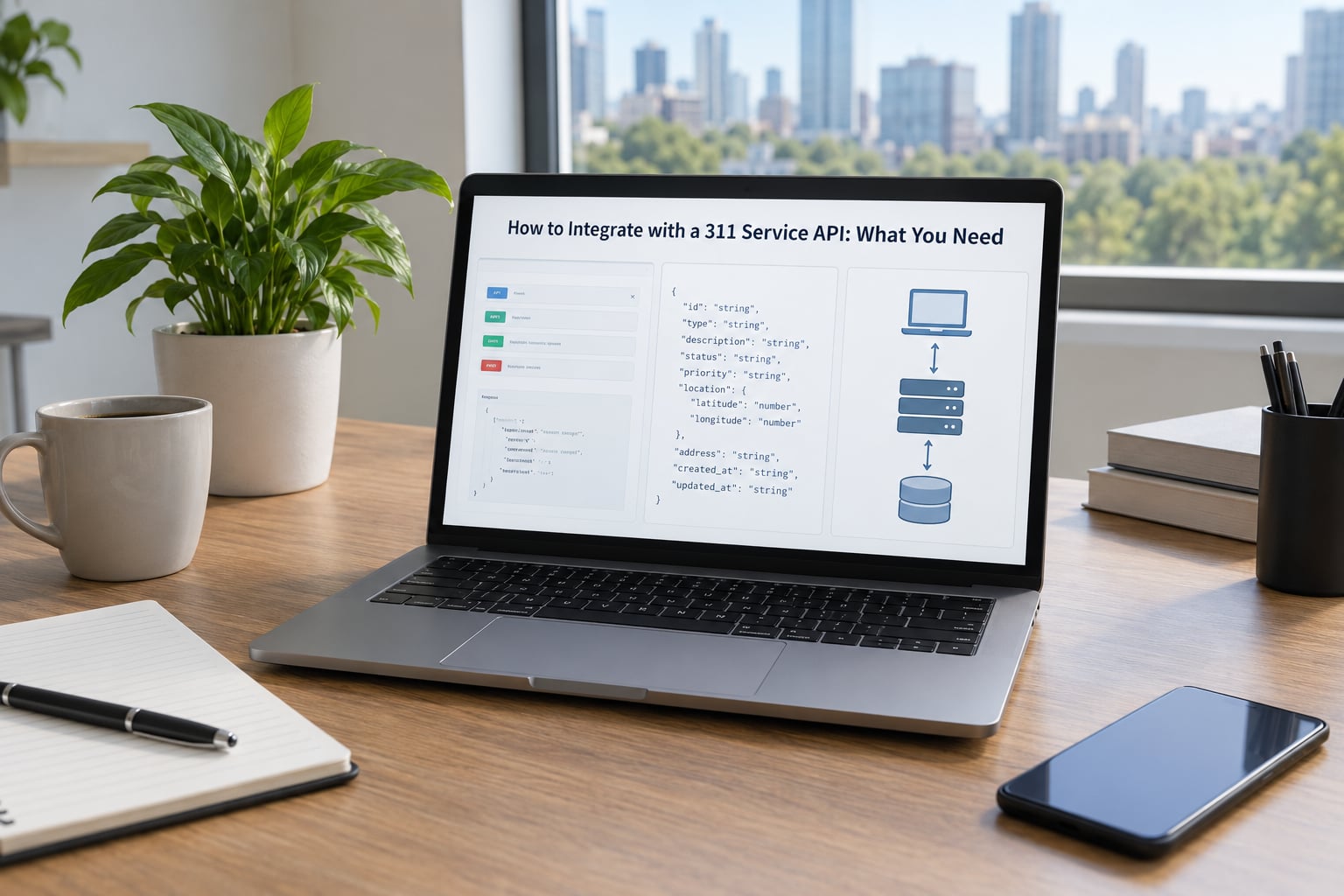
How to Integrate with a 311 Service API: What You Need
The first requirement is official documentation for the specific city you are targeting. Not a blog post about it, not a vendor’s integration guide for a product you are not using, the city’s own developer page or open data portal.
Beyond that, you need a short list of things in place before any code gets written:
- API documentation with real endpoint paths and a working example request.
- Access credentials — sometimes an app token, sometimes an OAuth client, sometimes an email request form.
- A service request schema, meaning the field names your city expects for a new report.
- Location handling, since most 311 endpoints require a street address or a latitude and longitude pair.
- Authorization to operate, if you plan to submit requests on behalf of the public rather than just read data.
- A test environment or sandbox, if one exists. Plenty of cities offer only production.
- Monitoring and logging in place before the first live request.
- A defined scope for the first release, ideally one service type in one district.
If you cannot get the credentials, everything else is academic. Start there, because it is usually the slowest step.
Step-by-Step
1. Confirm That the City Exposes an API
Most 311 systems run on one of a few vendor platforms, and knowing which one tells you where the documentation lives. Open311 deployments follow the GeoReport v2 specification. Cities on Socrata expose a SODA endpoint over their open data portal. Others run a bespoke REST API with no adherence to anything published.
Look for the city’s developer portal, its open data catalogue, or its open records request page. A worked example to copy beats prose documentation every time, so prioritise any page that shows a live request and response.
Also confirm the API owner. A city’s 311 office may hand you to a digital services team, an open data office, or a vendor. Knowing who answers questions saves weeks of bounced emails.
2. Create a Test Account and Map the Data
Once you have credentials, note three things before writing any code: the base URL, the versioning policy, and the data model.
The base URL is the root every request hangs off, and the versioning policy tells you whether you can pin a version or have to absorb breaking changes silently. The data model is the one that will cost you time, because cities model the same concepts differently.
Fetch the service list first, usually something like GET /services.json. That endpoint returns the catalogue of service types with a service_code for each one. Store the raw response. It changes, and you will need it later to explain to a user why a category vanished.
Then pull one service definition, usually GET /services/{service_code}.json, and read its attributes array. That array is the real contract: which fields are required, their type, whether they allow a list, and what the allowable values are. Do not guess from the field names in a sample response.
Watch for differences that will bite you later. Some cities return coordinates as lat and long, others as latitude and longitude. Some nest the address inside an object, some flatten it into address_string. Datetimes are usually ISO 8601 with an offset, but not always, and a naive timestamp is a common source of off-by-one-day bugs in reports.
3. Authenticate and Protect API Credentials
Authentication is the least standardised part of the whole integration. You will meet public endpoints with no auth, an app token passed as a query parameter, an API key in a custom header, and full OAuth 2.0 with a token endpoint and refresh cycle.
Whatever the scheme, three rules do not bend:
- Keep credentials server-side. A key in client-side JavaScript is a public key, full stop.
- Load them from environment variables or a secrets manager, never from source control.
- Request the narrowest scope that works, and rotate on a schedule you actually set a reminder for.
Send every request with an explicit timeout. A civic endpoint that hangs is worse than one that fails fast, because a hanging request holds your connection pool and eventually stalls your whole worker.
4. Build the Service-Request Submission Flow
Submission is where a 311 integration earns its keep, and it is the part most tutorials skip. The flow has five moves: collect, validate, geocode, send, record.
Collect only what the service definition marks as required, plus contact details if the city needs to follow up. Validate locally before you spend a network round trip, and reject with a message a resident can act on rather than a field name.
Geocode when the user gave a free-text address. Resolve it to coordinates first, then send both the formatted address string and the point. Passing an address straight through to a city that expects a point produces a request that is accepted and then never routed.
A minimal submission looks like this:
POST /requests.json HTTP/1.1
Host: api.example-city.gov
Content-Type: application/json
X-App-Token: your-token-here

{
  "service_code": "0324",
  "description": "Large pothole in the right lane, roughly 20 feet long",
  "address_string": "1200 Main St",
  "latitude": 40.7128,
  "longitude": -74.0060
}
The response comes back with the identifier that ties the whole flow together:
{
  "service_request_id": "2938471",
  "service_notice": "Your service request has been submitted"
}
Store that service_request_id immediately, linked to your own internal record. Without it you have no way to answer the resident who submits a report and then wants to know what happened to it.
Guard against duplicates. A user tapping submit twice on a weak connection should not create two potholes in the city’s queue. Send an idempotency key where the endpoint supports one, and keep a short-lived client-side lock for the endpoints that do not.
5. Retrieve Status Updates and Return Service Information
Tracking is what separates a toy from a usable app. Fetch a single request by ID, usually GET /requests/{service_request_id}.json, and you get the current status, the status note explaining it in plain language, and the last update timestamp.
A healthy response looks something like this:
{
  "service_request_id": "2938471",
  "status": "closed",
  "status_note": "Repair completed and roadway reopened",
  "service_code": "0324",
  "address": "1200 Main St",
  "requested_datetime": "2026-10-02T14:31:08-04:00",
  "updated_datetime": "2026-10-04T09:12:44-04:00"
}
Map the city’s status values into a small internal model of your own, something like submitted, acknowledged, in_progress, and closed. Do not surface raw values to users. The same city will use Closed in one place and closed in another, and Open311 implementations and Socrata datasets do not share a vocabulary at all.
Poll no more often than the city’s published rate limit allows, and only for requests still open. Every idle poll burns a request from your quota for no new information.
6. Add Pagination, Rate Limits, and Error Handling
Query endpoints return collections, and collections paginate. Look for a page or offset parameter and a total count in the response envelope, then loop with a sane page size rather than asking for everything at once.
When you hit a 429, back off exponentially and add jitter so a fleet of workers does not resynchronise into a thundering herd. Retry only what is safe to retry: reads, and writes you made idempotent. A 400 is a bad payload and will fail identically forever, so retrying it just wastes your quota.
Build a single error shape the whole application consumes:
{
  "error": {
    "type": "validation_error",
    "field": "latitude",
    "message": "Latitude is required for this service type",
    "retryable": false,
    "upstream_status": 400
  }
}
try:
response = session.post(url, json=payload, timeout=10)
response.raise_for_status()
except HTTPError as exc:
if exc.response.status_code in (401, 403):
alert("credential or scope problem")
elif exc.response.status_code == 429:
schedule_retry_with_backoff()
elif exc.response.status_code >= 500:
schedule_retry_with_backoff()
else:
log_validation_failure(exc.response.json())Never pass an upstream error body straight to a resident. They will see a stack trace, a schema dump, or an internal endpoint hostname. Log the full detail on your side and show something useful on theirs.
7. Test the Integration Before Going Live
Test the paths that will page you, not just the happy path. This checklist catches the bugs that otherwise show up on a resident’s phone:
- A valid submission returns a unique
service_request_id, and a second identical submission does not silently create a duplicate. - An invalid payload returns a 400 with a message naming the offending field.
- A request with no coordinates is rejected before it reaches the city, not after.
- A service code that has since been retired returns a clean error rather than an empty 200.
- A bounding box query over an area with no reports returns an empty list, not a null.
- Retrying after a 429 eventually succeeds, and the backoff does not hammer the endpoint.
- Polling a closed request returns the terminal status and your loop stops.
- The integration degrades gracefully when the city endpoint is down: the user sees a message, not a spinner.
Use Postman or an equivalent client to hold the collection so anyone on the team can hit the endpoint without writing code. Log every raw request and response during the test period, at least until your field mappings are proven.
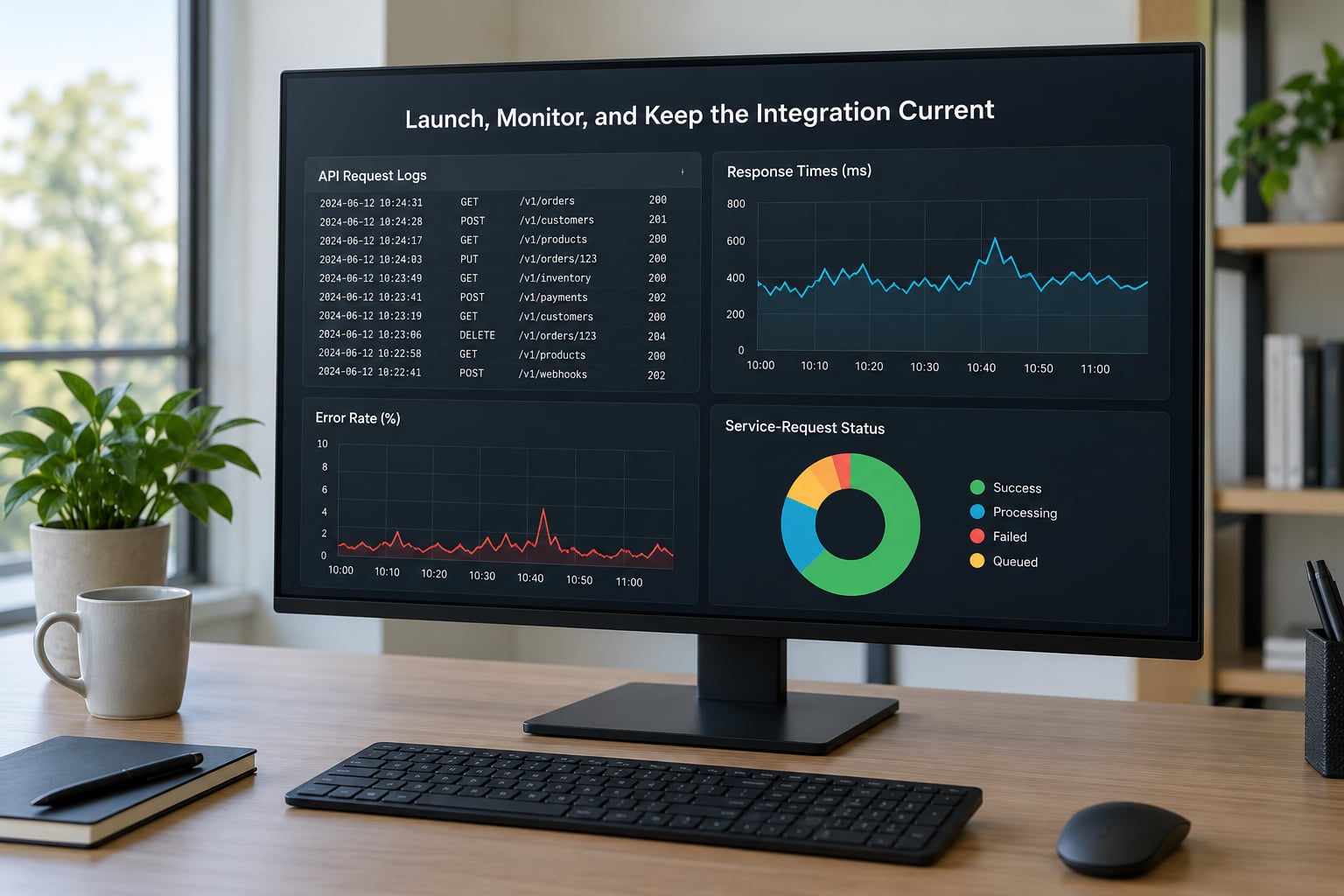
8. Launch, Monitor, and Keep the Integration Current
Roll out to a limited group first, or to one service type in one district, and watch it for a week before opening it up. You want to see real submissions with real addresses, which is where the geocoding gaps surface.
Set up synthetic monitoring that submits a test request on a schedule and alerts when the endpoint stops responding. Track latency and error rate per endpoint, and log every submission with its returned identifier so you can audit anything later.
Two things people forget. First, 311 records contain names, addresses, and contact details, so treat them as personal data with a short retention window and a stated purpose. Second, name an owner for the integration. API versions change, service definitions get retired, and someone has to notice.
As of 2026, a reasonable cadence is a monthly smoke test against a live endpoint plus an alert on schema drift, since a service definition that gains a required field will otherwise break submissions silently.
Common Mistakes
- Integrating against an unofficial endpoint. Someone reverse-engineered the city’s citizen form. It breaks without notice and you have no support path. Use the published API or ask the city for access.
- Putting secrets in frontend code. Keys belong in environment variables on a server. Anything shipped to a browser is public.
- Assuming one schema covers every city. Field names, required attributes, and status values all differ. Write a normalised internal model and one adapter per jurisdiction.
- Ignoring geospatial requirements. Many endpoints will accept an address with no coordinates and create a request that never reaches the right crew.
- Retrying non-retriable errors. A 400 will fail forever. Retry 429s and 5xx responses with exponential backoff, and nothing else.
- Exposing internal error details to users. Schema dumps and internal hostnames leak more than you want. Log fully, display simply.
- Polling far faster than the rate limit. Aggressive polling is the fastest route to a blocked key, and the block usually outlives the mistake.
- Not monitoring API version changes. Versioning policies vary, and some cities give very little notice. Track the version in your config and check the changelog on a schedule.
One more worth naming: geographic overlap. A single address may fall under a city, a county, a state, and sometimes a special district, each with its own services and its own endpoint. Decide which jurisdiction your app targets, and say so plainly in the interface.
Frequently Asked Questions
Can one 311 service API integrate an app with every city?
Usually not. Cities use different platforms, schemas, authentication rules, service catalogues, and status vocabularies, and a single address can sit under a city, a county, and a special district at once. A multi-city app should keep a normalised internal model and one adapter per jurisdiction, with credentials and base URLs in per-city config.
Is a 311 service API the same thing as a customer relationship management system?
No. A 311 API represents public service requests: location, category, description, status, and resolution history. A CRM is built for organisations, contacts, staff assignments, and sales or service pipelines. Many cities run a CRM internally and publish an API view of the request data, so the two overlap without being the same thing.
Which HTTP method is normally used to submit a 311 request?
POST creates a service request and returns a service_request_id. GET retrieves a single request, its status, or a filtered collection of requests. Exact paths, parameters, auth headers, and response formats differ per city, so treat this as the common shape rather than a guarantee, and read the city’s own documentation before you build against it.
What should a developer do if a city has no public 311 API?
Contact the city’s 311 or digital services office and ask about an open data feed, bulk exports, an internal integration agreement, or a supported partner programme. Some cities will hand you a Socrata dataset even with no write endpoint, which is enough for analytics but not for submissions. Avoid scraping user-facing forms without permission.
How long does a 311 API integration usually take?
A few days when the city has published docs and grants keys on request. Two to six weeks is realistic when an application, agreement, or security review is involved. Multi-city work stretches further, because each jurisdiction adds its own key, terms of service, and quirks. Start with one city and one service type to keep the first release small.
Conclusion: Start with a Small, Testable Pilot
The fastest way to integrate with a 311 service API is to keep the first release small. Confirm the city publishes an official API, get credentials, map exactly one service type, and prove a complete create-and-status round trip in a test environment before you touch anything in production.
Everything past that point is repetition of a pattern that already works. Once one jurisdiction is live, a second is an adapter, not a rewrite.