
To estimate a software project timeline, define the smallest shippable scope, break it into a work breakdown structure, size every task with three-point estimates against a comparable past project, sequence the tasks against real team capacity, and add a contingency reserve sized to named risks. Do it in that order and you get a range you can defend, not a single optimistic date that quietly turns into a deadline.
That distinction matters more than most guides admit. A software estimate is a probability statement about a future under uncertainty, based on the information available today — not a promise. Practitioners on Reddit and Software Engineering Stack Exchange are blunt about this: the most common reason estimates blow up is not bad arithmetic, it is that nobody said out loud which work was included.
This guide works for a three-person internal team, a founder scoping an MVP, and a procurement lead trying to sense-check a vendor quote. It takes about an hour for a small project and most of a day for something with real integrations. Last reviewed in October 2026.
Table of Contents
- What You Need Before You Estimate a Software Project Timeline
- Step-by-Step: How to Estimate a Software Project Timeline
- Step 1. Define the Scope and Delivery Goals
- Step 2. Break the Project into Deliverables and Tasks
- Step 3. Estimate Each Task with a Reference Class
- Step 4. Map Dependencies and Team Capacity
- Step 5. Run a Three-Point Estimate
- Step 6. Add Risk Buffers and Contingency
- Step 7. Validate the Estimate and Communicate a Range
- Common Mistakes
- Frequently Asked Questions
- How do I estimate a software project when there is no historical data?
- What is the best way to calculate project uncertainty?
- Should a software project timeline include testing and deployment?
- How often should I update a software project estimate?
- How do I present a timeline when the date is uncertain?
- How do I account for changing requirements in a project estimate?
- Conclusion
What You Need Before You Estimate a Software Project Timeline
You cannot estimate a project timeline without these nine inputs, and estimating without them is the single most common reason the first number turns out to be wrong.
- Scope and explicit exclusions. The features in, the features deliberately out, and the work nobody is counting.
- Named deliverables. What exists at the end: a working app, a migration, a documented API, a launch.
- A work breakdown structure. Tasks small enough that one person can finish one in under a few days.
- Roles and real capacity. Who works on it, at what percentage, and what else competes for their week.
- Dependencies. Third-party APIs, payment providers, internal data owners, hardware, approvals, procurement.
- Hard constraints. A fixed launch date, a grant deadline, a contract end date, a hiring freeze.
- Historical data. Velocity from past sprints, or a reference project genuinely similar to this one.
- Risk assumptions written down. Each unknown, who owns it, and what happens if it goes badly.
- A definition of done. Code merged, tested, reviewed, documented, deployed, and signed off. Without this, every task grows.
If you cannot fill in historical data, that is fine — step 3 has a workaround. If you cannot write a definition of done, stop there and fix that first. Everything downstream inherits the ambiguity.
Step-by-Step: How to Estimate a Software Project Timeline
Run these seven steps in sequence. Each one narrows the guesswork available to the next, and skipping forward produces a number with no defensible basis underneath it.
Step 1. Define the Scope and Delivery Goals
Scope first, always: sort every requested item into must-have, should-have, and later-release, then write the exclusions down where everyone can see them.
A parking permit portal is a good test case. Must-have might be resident login, an application form, a payment step, and staff review. Should-have is email notification and a public status page. Later-release is a mobile app and enforcement integration. That single conversation usually removes 30 percent of the work before anyone has estimated a single task.
Also pin down quality requirements — supported browsers, accessibility level, uptime target, security review — because each one adds work that is easy to forget. And define what “launch” means. A pilot with twenty users and a public release with twenty thousand are different projects that share a name.
Step 2. Break the Project into Deliverables and Tasks
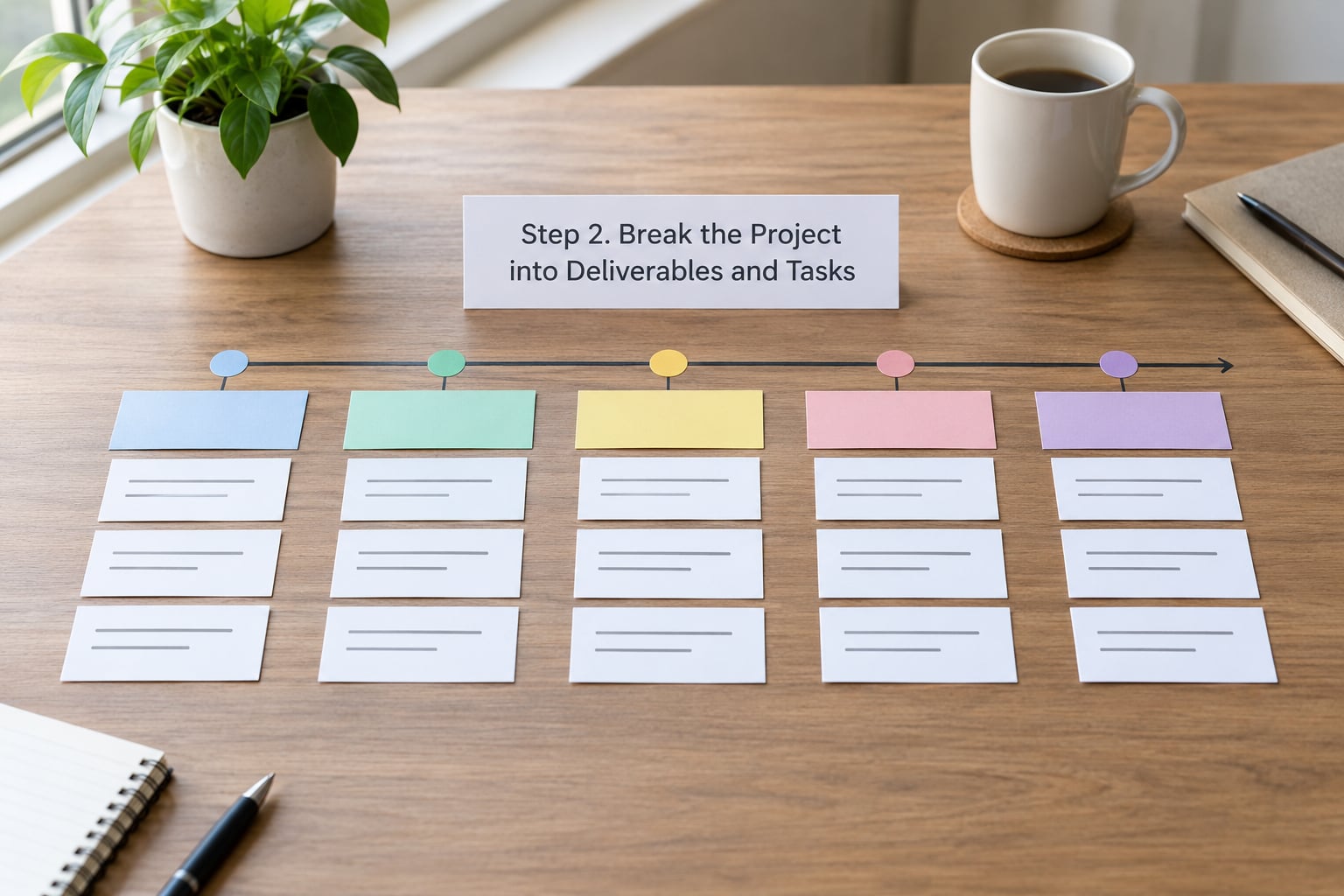
A work breakdown structure is simply the project split until every leaf is a task someone could pick up and finish in a few days.
For the permit portal, a realistic WBS runs: discovery and user research, data model and architecture, design system, application form, identity and permissions, payment integration, staff review queue, notification service, security review, data migration if any, load testing, deployment, documentation, and launch support. Fourteen tasks, each with a clear owner and a clear finish line.
If a task takes longer than about three days, it is still a task hiding three tasks. Split it. The effort of decomposition pays for itself the first time a two-week estimate turns out to be six weeks.
Step 3. Estimate Each Task with a Reference Class
The fastest credible estimate comes from something genuinely comparable, so start with analogous estimating: find the closest past project and use its real numbers.
If you have no history at all, you have three usable options. Run a short discovery spike and estimate from what you learn. Use a broad reference class and widen the range deliberately. Or run a Delphi-style round with three to five experienced people estimating independently, then discuss the spread — disagreement is data, and it tells you where the unknowns cluster.
Inside a delivery team, story points against measured velocity work well for forecasting. T-shirt sizing (small, medium, large) is fine when you only need a rough conversation. Raw hours are the weakest option: they invite false precision, and experienced developers routinely give the most optimistic number of any method precisely because hours read as a commitment.
Teams that abandon story points for timeboxing report the same thing: the useful question stopped being “is this five or eight points” and became “what can we realistically finish in two weeks”. Several teams describe this switch as the thing that finally improved their release forecasts.
As a reality check, these are the rough planning ranges most teams see for a web or mobile build with a small cross-functional team. Treat them as a sanity check, not a quote — team composition, feature complexity, and the number of third-party integrations move them a long way.
| Phase | Small internal MVP | Mid-size product | Enterprise platform |
|---|---|---|---|
| Discovery and requirements | 1 to 2 weeks | 2 to 5 weeks | 4 to 8 weeks |
| UX and UI design | 1 to 3 weeks | 3 to 6 weeks | 6 to 12 weeks |
| Development | 6 to 12 weeks | 4 to 8 months | 9 to 18 months |
| QA and hardening | 2 to 4 weeks | 4 to 8 weeks | 8 to 16 weeks |
| Deployment and launch | 1 week | 1 to 2 weeks | 3 to 6 weeks |
| Post-launch stabilization | 2 to 4 weeks | 4 to 8 weeks | 6 to 12 weeks |
If your total lands far outside these bands, find out why before you continue. Usually the answer is a hidden integration or a migration nobody scoped.
Step 4. Map Dependencies and Team Capacity
Tasks rarely run in the order you wrote them, so sequence by dependency and find the critical path — the longest chain of tasks that cannot overlap.
In the permit portal, the payment integration cannot finish before the application form exists, and neither can the notification service, which fires on payment events. That chain sets the floor. Design, documentation, and the staff review queue can run in parallel if people are free.
Now the part most estimates skip: capacity is not headcount. Account for code review, standups, incident response, meetings, support tickets, holiday cover, and the part-time contractor who is 50 percent allocated. A team of four with one senior engineer on a two-week trip is not a team of four for those two weeks. Reviews and approvals need their own slots too — a security sign-off that sits idle for five days adds five days to the date even though no one is writing code.
Check the critical path against capacity before you total anything. If the chain needs ten weeks of senior engineering and you have eight weeks of senior engineering, the answer is a scope cut, not optimism.
Step 5. Run a Three-Point Estimate
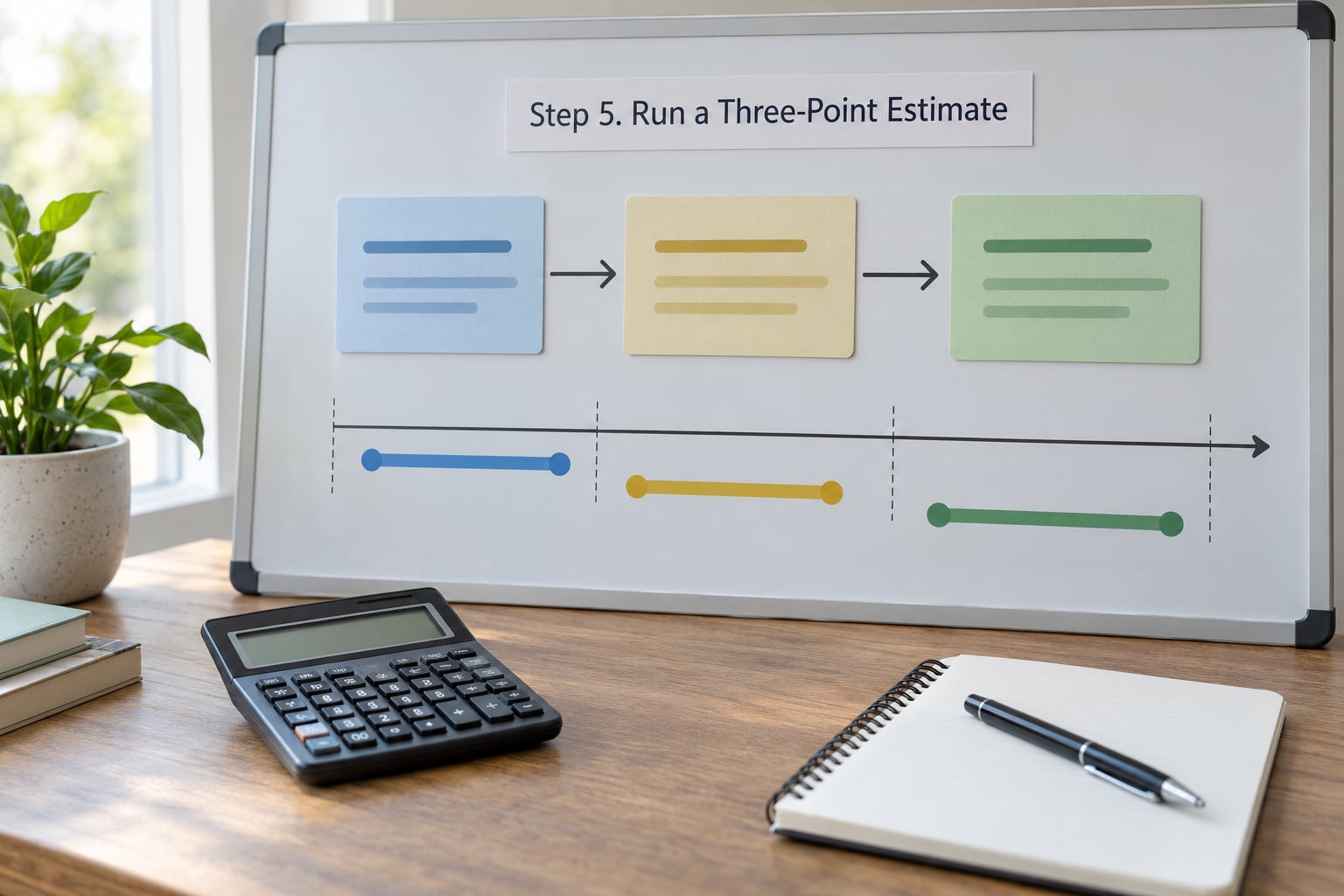
Three-point estimation replaces one guess with three — optimistic, most likely, and pessimistic — and weights them into a single expected value.
The standard PERT calculation is E = (O + 4M + P) / 6, where the most likely value carries double weight because it is the number experienced practitioners actually trust. Here is a worked example for the permit portal, in weeks:
| Task | Optimistic | Most likely | Pessimistic | Expected value |
|---|---|---|---|---|
| Application form and validation | 3 | 5 | 12 | (3 + 20 + 12) / 6 = 5.8 |
| Payment integration | 2 | 4 | 14 | (2 + 16 + 14) / 6 = 5.3 |
| Notification service | 1 | 2 | 5 | (1 + 8 + 5) / 6 = 2.3 |
Note how wide the pessimistic values are on the two integration tasks. That spread is the honest signal — an unfamiliar payment provider genuinely might take two weeks or ten. If every task in your estimate has a narrow spread, you have not found the risk yet, and you have not finished estimating.
Now aggregate along the dependency chain. Payment integration sits after the application form, and notification follows payment, so the critical path is roughly 5.8 + 5.3 + 2.3 = 13.4 weeks of sequential work. With a team that can put the notification service in parallel, a realistic schedule lands near 11 to 12 weeks of work, and the whole thing becomes meaningful only once you account for what else those developers are doing.
One warning: do not add a buffer to every task and then add a project-level buffer on top. That double-counts and inflates the total by weeks. Contingency belongs at the project level, sized once, from the risks you can name.
Step 6. Add Risk Buffers and Contingency
Add contingency for the risks you can name, and size it from the spread you found rather than from a fixed percentage rule.
Work through the common sources one at a time. Third-party integrations carry the vendor’s own roadmap, not yours. Data quality issues surface during migration, not before. Approvals — legal, security, accessibility, procurement — have queues you do not control. Hiring a specific skill can add months if the market is tight. Regulatory review has a fixed duration and no appeal. And rework is the tax paid on anything discovered late.
A workable split: normal uncertainty belongs inside the task estimates as the optimistic-to-pessimistic spread, and exceptional contingency sits as one project-level reserve. For a build with a handful of named integration risks, 15 to 25 percent on top of the critical path is a defensible starting reserve. A fixed deadline in place of a real estimate is not contingency — it is a decision to accept a higher chance of failure.
Check the number against the schedule: 13.4 weeks of critical path plus about 20 percent lands close to 16 weeks, so report 14 to 20 weeks. Confidence should widen as the horizon extends; an estimate for next quarter deserves a tighter band than one for next year, and pretending otherwise is false precision.
Step 7. Validate the Estimate and Communicate a Range
Have someone who did not build the estimate run the arithmetic and hunt for missing work, then publish a range with a stated confidence level instead of one date.
Two things to check specifically. First, that QA, integration, code review, documentation, security review, and deployment are all somewhere in the estimate — every one of these is routinely omitted, and when the first real number appears they read as a blowout. Second, that the total respects your capacity reality rather than assuming everyone is available.
When you present it, lead with the range and the assumptions behind it. “Twelve to sixteen weeks for the pilot scope, assuming the payment provider’s sandbox access lands in week two and we have security review scheduled before the end of month two” lands far better than “sixteen weeks” with no caveats, because the reader can see which assumption breaks if things slip. State exclusions explicitly as well; the people who forget what was left out are the ones who read the first invoice as a disaster.
Finally, set a re-estimation cadence. Most teams re-forecast at the end of each sprint, and replace assumptions with actuals as they go. A burned-down sprint is data, and an estimate that never changes after the work starts is not being estimated, it is being defended.
Common Mistakes
Almost every unreliable software timeline traces back to one of a handful of repeatable errors, and each has a straightforward fix.
- Estimating from a feature list. Fix: decompose to tasks first. Feature counts ignore the integration, data, and review work attached to each one.
- Using the deadline as the estimate. Fix: estimate independently, then compare. If they differ, decide explicitly what gets cut rather than pretending the number was always the estimate.
- Ignoring dependencies. Fix: draw the chain and find the critical path. Parallel work is the main lever you have on the date.
- Padding every task. Fix: keep the spread inside the task, put contingency once at the project level.
- Forgetting review and approval time. Fix: give code review, security, legal, and procurement their own line items with turnaround expectations.
- Leaving testing, documentation, and deployment out. Fix: add them as first-class tasks. Excluding QA is the most expensive omission on this list.
- No definition of done. Fix: write it once, per deliverable, before estimating.
- Presenting a single date. Fix: report a range with assumptions and a confidence level. Most estimate disputes are expectation-management failures, not calculation failures.
One more worth naming: over-trusting an AI-generated timeline. A language model can structure a first-pass draft from your inputs and flag dependencies you forgot, but it has no access to your team’s velocity, your vendor’s reliability, or your codebase. Treat the output as a checklist to argue with, never as an estimate you send to a client.
Frequently Asked Questions
How do I estimate a software project when there is no historical data?
Start with a comparable reference project rather than with memory, and widen your range deliberately to account for the weaker evidence. Run a short discovery spike to turn unknowns into facts, then use three-point estimates with a generous pessimistic value. Delphi-style rounds with three to five experienced people work well too, because the disagreement between their numbers shows you where the risk actually sits.
What is the best way to calculate project uncertainty?
Three-point estimation is the most practical method: capture an optimistic, most likely, and pessimistic duration for each task, then weight them with PERT, E = (O + 4M + P) / 6. The spread between the extremes is your uncertainty signal. For larger projects, Monte Carlo simulation runs the calculation thousands of times and produces a real probability distribution, which is worth the setup when the stakes justify it.
Should a software project timeline include testing and deployment?
Yes, always. Testing, code review, security review, documentation, and deployment are work, and leaving them out makes the first real number look like a blowout. Teams routinely discover this in week six and lose the trust they built in week two. Add them as first-class tasks in the work breakdown structure, with the approval turnaround times for security and procurement written in separately.
How often should I update a software project estimate?
At the end of every sprint, and any time a material assumption changes. Actuals replace assumptions as the project runs, so a forecast that never moves is not being estimated, it is being defended. Update the range rather than defending a single date, and tell stakeholders what changed and why in the same message, because a re-estimate without explanation reads as a broken promise.
How do I present a timeline when the date is uncertain?
Present a range with explicit assumptions rather than one date. For example: twelve to sixteen weeks for the pilot scope, assuming payment provider sandbox access in week two and security review scheduled before the end of month two. Name what is excluded and what would move the number. Practitioners report this framing reduces conflict far more than any single number, because readers can see which assumption breaks if things slip.
How do I account for changing requirements in a project estimate?
Split the scope into committed, likely, and optional so a change lands in a known bucket rather than inside your baseline. Keep a written change log with an estimated effort cost for each item, and re-baseline only when a change affects the critical path or the total. Uncontrolled scope creep is the top reason timelines slip, so make the trade-off visible instead of absorbing it quietly.
Conclusion
Start tomorrow by writing down the smallest version of the project that would still be worth launching, and everything you are deliberately excluding. That one page is worth more than any spreadsheet, because it is the only input every later number depends on.
From there, break the scope into tasks a person can finish in a few days, size each one with a three-point estimate against something genuinely comparable, sequence the tasks against real capacity rather than a roster, and add a single project-level reserve sized to the risks you can actually name. Then publish a range with the assumptions attached, and revisit it every sprint.
The teams that ship on time are not the ones who guess well. They are the ones who were never pretending the guess was a promise.