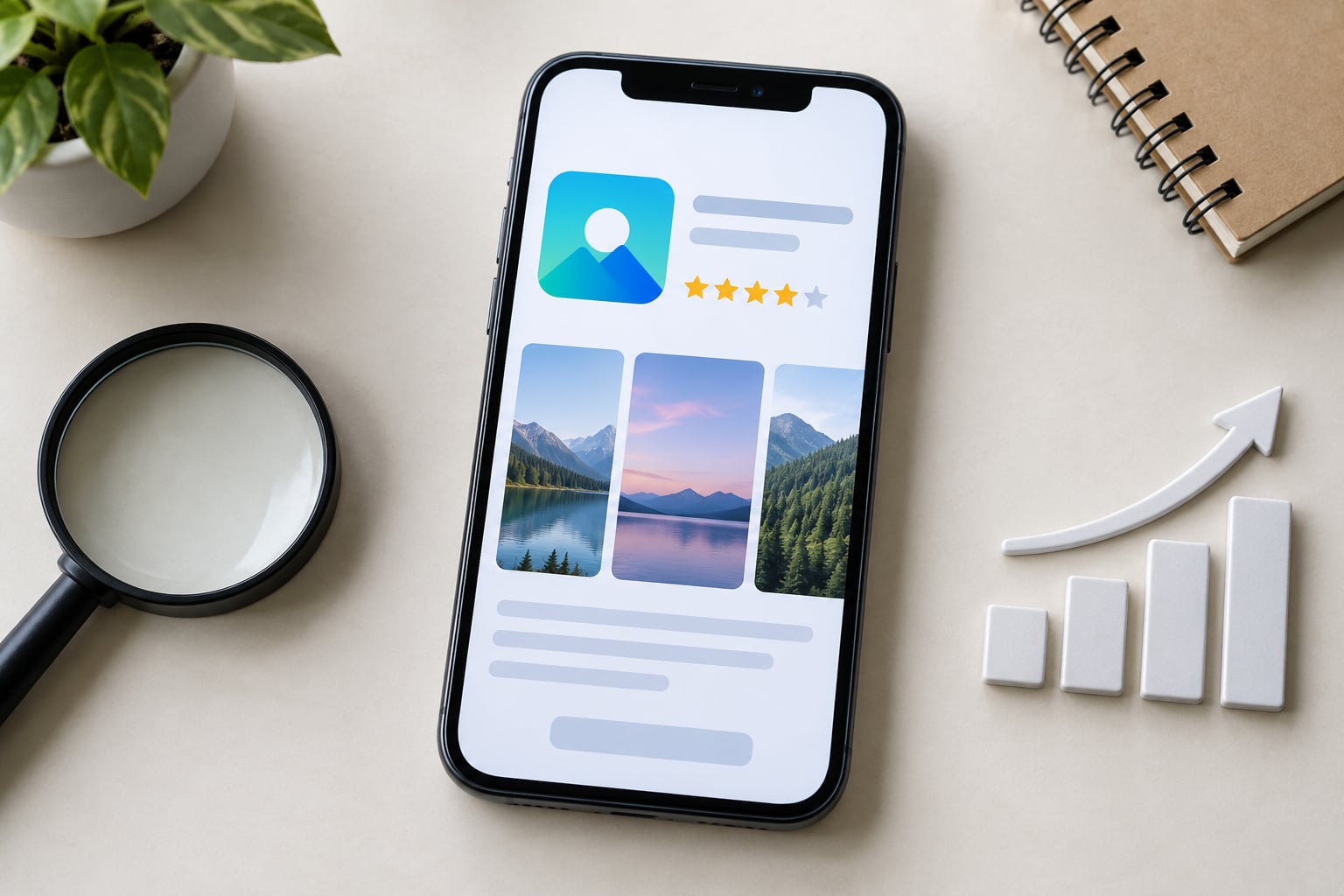
App store optimization works by feeding two separate ranking systems. The first matches the words a person types into store search against the metadata in your listing, so you earn impressions. The second ranks apps in categories and top charts by download velocity, ratings and engagement. You control the first, influence the second, and improve both by converting the impressions you win.
The rest of this guide breaks the mechanics down: which signals each system reads, what each listing element does during a visit, and how to run store tests without fooling yourself. Last updated for 2026.
Table of Contents
- What Is App Store Optimization?
- How Does App Discovery Work?
- Search discovery
- Browse and category discovery
- Featured and editorial discovery
- How Does App Store Optimization Improve Conversion?
- What the icon, screenshots, and preview video do
- What the description and promotional text do
- What ratings, reviews, and update history signal
- What App Store Ranking Factors Should Teams Understand?
- The five groups of ranking signals
- Where the Apple App Store and Google Play differ
- How paid installs affect organic rank
- How Do Keywords, Ratings, and Retention Affect Visibility?
- What keyword relevance actually does
- What review volume, velocity, and rating average do
- What retention, crashes, and updates do
- How Can an App Team Test and Measure ASO?
- The store funnel and the metrics at each stage
- How to run a listing test without fooling yourself
- How long before a change shows up
- What to fix first when the numbers are flat
- Common ASO mistakes that cost teams months
- Frequently Asked Questions
- What is app store optimisation?
- How long does app store optimization take to show results?
- What is the difference between ASO and SEO?
- How many keywords fit in the App Store keyword field?
- Does changing my app title hurt my ranking?
- Can you make money from the app store?
What Is App Store Optimization?
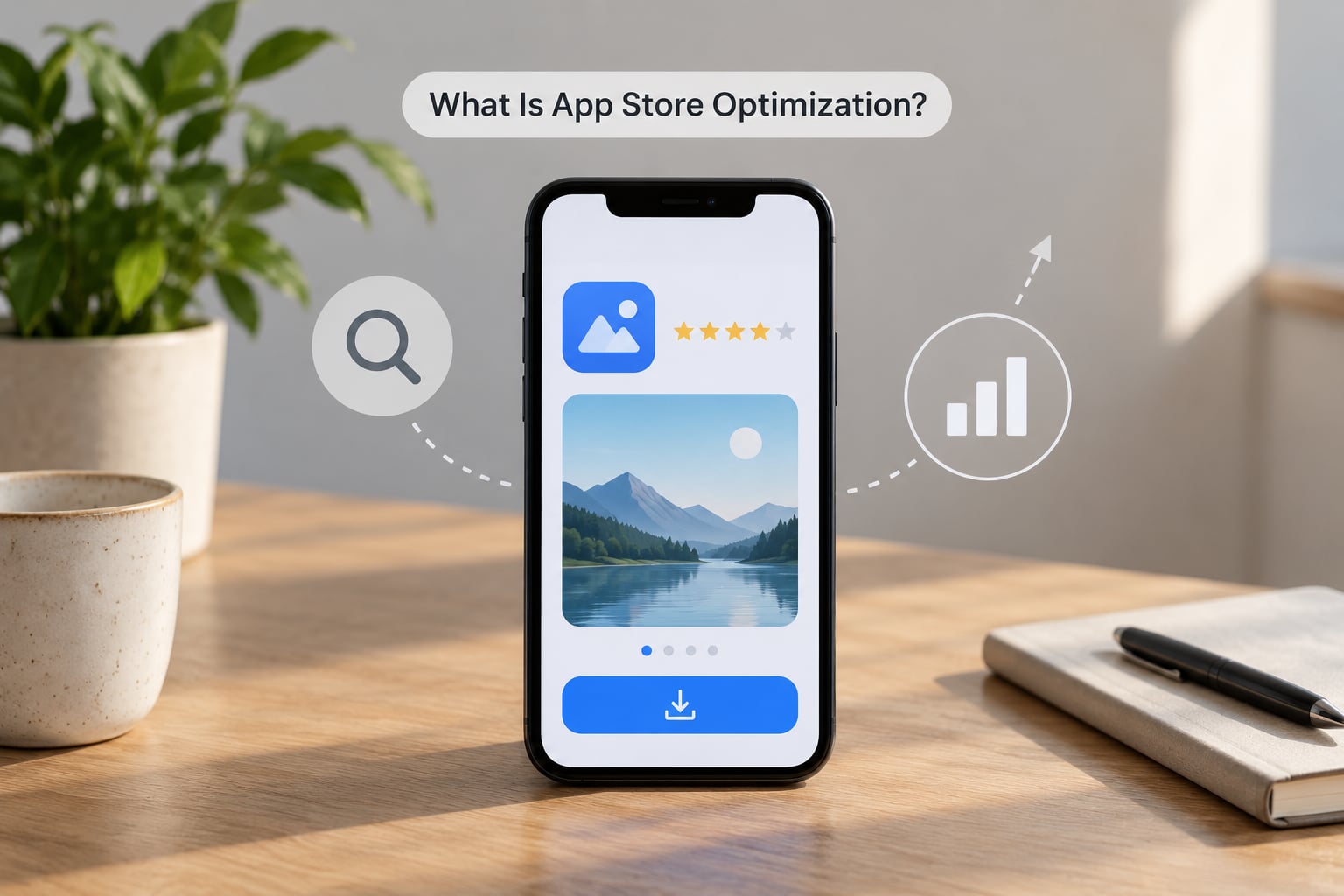
App store optimization is the practice of improving how an app is found and how often a visitor installs it, inside the Apple App Store and Google Play. It covers listing metadata, creative assets, ratings, and the user behaviour signals the stores use to decide what to show.
It is not paid advertising, though the two interact. It is not the bare fact of being listed on a store. And while the mechanics rhyme with search engine optimization, the indexing is completely different, which is worth understanding before you borrow SEO habits.
Two mental models do most of the work here:
- ASO = traffic + conversion rate. Ranking gets impressions; the listing turns impressions into installs. Fixing only one side leaves money on the table.
- On-metadata versus off-metadata signals. On-metadata signals are the fields you type: app name, subtitle, keyword field, short description, promotional text, category, icon, screenshots, preview video. Off-metadata signals are behaviour the stores observe: download volume, rating average, review count and velocity, retention, crashes, update cadence.
You own the first group outright. The second group is the honest part of the discipline, because it is a report card on the product, not a copy field.
How Does App Discovery Work?
There are three discovery surfaces, and they reward different things. Most teams optimise only the first one and then wonder why their category rank is stuck.
Search discovery
Someone types a phrase, the store returns a ranked list, and the first screen is the whole battlefield. Position one typically converts several times better than position ten, so the practical goal is not more keywords ranked, it is more keywords ranked in the top five where search volume overlaps with your ability to serve the intent.
Store search is not web search. There is no page of ten blue links, and there is no link-building layer. The store matches typed terms against indexed fields, then re-ranks the candidate set using quality and behaviour signals you never set directly.
Browse and category discovery
Charts are a separate lane with separate physics. Top chart positions are driven by recent download velocity rather than lifetime totals, which is exactly why a new app with a loyal small audience can rank well for its keywords and sit nowhere near a chart. Ranking well in search and ranking well in a category are different goals with different timelines.
The category you pick changes who your competitors are. A lifestyle app competing in a broad category is measured against apps with millions of installs, so a mid-sized category with engaged users is often the more honest fight.
Featured and editorial discovery
Stores also hand out editorial surfaces: Today-style collections, category features, search banners, and a story in front of the search box. Nothing you do in your metadata guarantees one. It is an editorial judgement about novelty, quality, and whether your app is a good fit for a theme like a new year reset, a travel season, or a major OS release.
The prep work is unglamorous: a finished app with no obvious bugs, strong ratings, recent updates, localised listings in the markets you care about, and a clear one-line description of what the app does. Teams that keep a release channel and a clean build history get considered more often than teams that submit a build and disappear for a year.
How Does App Store Optimization Improve Conversion?
Once a visitor lands on your listing, they spend a few seconds deciding. Each element answers a different objection, and a weak element costs you the click you already earned.
What the icon, screenshots, and preview video do
The icon is the only element visible in search results, so it has to read at thumbnail size and stay distinguishable from the icons around it. In practice, the top three screenshots carry the argument. Most users swipe through them and never reach the rest, so the order is a decision, not an inventory.
A preview video can help, but only if the first two seconds make sense with sound off. App teams on Reddit consistently describe screenshots as their highest-leverage conversion lever, more than the title, because a title can promise while a screenshot can show.
What the description and promotional text do
The opening lines of the description do the heavy lifting. Everything above the fold has to confirm the promise the icon and first screenshot made, or the visitor bounces back to the results list.
Promotional text is the one field you can rewrite without submitting a new build, which makes it the cheapest test surface most teams ignore. The keyword field matters for indexing, not for reading, so write it for machines and write the description for people.
What ratings, reviews, and update history signal
A visible rating acts as a trust filter. A listing with a low average and a thin review count loses people who never read a word of copy, and no amount of keyword work repairs that.
Review text is also search surface in a loose sense. A steady flow of reviews mentioning a problem tends to surface in “what’s new” reactions and in the replies developers leave, so responding to the complaints that recur is a quiet conversion win. An app updated this week reads as maintained; one updated eleven months ago reads as abandoned.
What App Store Ranking Factors Should Teams Understand?
Neither store publishes a formula, and both change it without warning. Anyone selling you a guaranteed ranking position is describing a black box they do not have access to. What you can work with is a grouped model of the signals that consistently show up.
The five groups of ranking signals
- Relevance. Does the listing match the query? This is the part you control most directly, and it decides whether you are a candidate at all.
- Engagement. Do people click your result and stay? Impressions without page views signal a mismatched promise, usually a title that ranks for a term your app does not serve.
- Quality. Crash-free sessions, responsiveness, and whether updates land. A store that flags an app as buggy will not keep promoting it, however well it ranks.
- Retention and satisfaction. Do people come back, and do they rate and review? Slow retention caps how far any listing work can push you.
- Conversion. The install rate on the page itself. A listing that gets impressions and fails to convert pulls its own ranking down, because the store can see the click was wasted.
Conversion is the loop people miss. Good creatives lift installs, installs lift the engagement data, and that data lifts rank, which buys more impressions for the same listing.
Where the Apple App Store and Google Play differ
The two stores index and present metadata differently enough that copying a listing from one to the other is a common and expensive mistake.
| Factor | Apple App Store | Google Play |
|---|---|---|
| Keyword field | Dedicated 100-character field, not indexed as visible copy | No keyword field; the full description is crawled for indexing |
| App name limit | Up to 50 characters | Up to 30 characters |
| Screenshots | Up to 10 per device size | Up to 8, with a requirement to show the app in use on the first one |
| Subtitle or short description | 30-character subtitle under the name | 80-character short description, plus a longer full description |
| Change approval | Metadata and build changes go through a review buffer, often under a day or two | Changes usually go live without a manual review |
| Editorial featuring | Heavily curated, category and collection based | Includes automated and editorial placements |
| Revenue share on sales | Generally 30% under standard terms, with reduced tiers in some programs | Generally 15% on the first $1M of annual earnings, then 30% |
On Apple, the description is a persuasive asset rather than an indexing one, because the keyword field does that job. On Google Play the description is doing both, so keyword placement there matters more than teams expect.
How paid installs affect organic rank
Paid installs feed the same engagement and velocity data that organic ranking reads. That is the basis of the organic multiplier: a fixed paid budget produces more total installs because the ones it buys also lift organic visibility. The effect is real but lumpy, and it fades if you stop spending, so teams that treat paid as a permanent organic lever get disappointed.
How Do Keywords, Ratings, and Retention Affect Visibility?
What keyword relevance actually does
Keywords do two jobs. The first is retrieval: if the term you want is not in an indexed field, you cannot rank for it at all. The second is qualification, because a term that brings people who leave immediately still drags your conversion data down.
A practical example. A transit app whose store name is “City Transit” and whose keyword field carries commuter, schedule, and fare terms can surface for a search its name would never win. Same app, same build, different reach, because the indexed fields changed.
Search volume alone is a trap. A head term with heavy competition from apps with years of install history is a worse first target than a long tail with modest volume and weaker rivals, which is the recommendation that comes up most often in practitioner communities.
What review volume, velocity, and rating average do
Three numbers that get collapsed into one, and they behave differently. The rating average is what a visitor sees and reacts to. Review volume is the sample size behind it, because 4.8 from nine reviews reads as risky while 4.6 from several thousand reads as normal. Velocity is how fast new reviews are arriving, and it matters because a recent cluster of strong reviews is a signal the store can read as current momentum.
On prompting, the pattern that keeps coming up from indie developers is to ask roughly two weeks after a good experience, not on first launch. An in-app prompt at the moment of success converts far better than a prompt fired on open. And on the ethics line: asking is fine, incentivising a specific rating or gating a review behind a reward is not, and both stores now penalise it.
What retention, crashes, and updates do
Retention is the ceiling. No amount of keyword and creative work produces a durable ranking if people uninstall in the first session, because the store sees the install as a mistake. Crash rate and startup time sit in the same bucket.
Update cadence matters less as a number and more as a signal. Regular releases with honest release notes tell a reviewer the app is alive, and they create reasons for the store to re-surface your listing.
How Can an App Team Test and Measure ASO?
Treating ASO as a weekly habit rather than a launch-week task is the piece most teams skip. The process below is what that habit looks like in practice.
- Set a baseline. Pull 90 days of impressions, product page views, first-time downloads, conversion rate, source type, and your top and bottom locales before changing anything.
- Choose a small keyword set. Ten to twenty terms with real volume and reachable competition, not a spreadsheet of two hundred.
- Fix the retrieval layer. Name, subtitle, keyword field, category, and localised copy.
- Rebuild the first impression. Icon, first three screenshots, and the top of the description, in that order.
- Run one change at a time. Two simultaneous changes and you will not know which one moved the number.
- Review ratings and reviews weekly. Fix recurring complaints in the product and reply in the listing.
- Re-measure against the baseline and keep the winner.
The store funnel and the metrics at each stage
App Store Connect and Google Play Console both report a funnel, and each stage has a different failure mode. Most teams look at downloads first, which is the least diagnostic number in the set.
- Impressions. How many times your listing was shown. Low here is a retrieval or relevance problem.
- Product page views. How many of those impressions produced a click. A big gap between one and two means the icon, title, or rating is losing people in the results list.
- First-time downloads. The conversion rate on the page. High views with low installs means the page itself is failing to close.
- Retention and subsequent behaviour. Whether those installs were real. This is where ranking potential is either confirmed or capped.
How to run a listing test without fooling yourself
Store-side A/B testing exists on both platforms, but a lot of teams test by swapping assets live and watching totals, which is slow and confounded by traffic mix. If you test manually, hold everything else constant, run long enough to span a full week so weekday and weekend traffic are represented, and judge on conversion rate rather than raw downloads.
Keep a log. One line per change, with the date and the reason, is enough. Teams that skip this end up making the same edit twice and calling it a discovery.
How long before a change shows up
Metadata changes index quickly, usually within a few days. Ranking movement from a genuine relevance gain typically shows up over one to three weeks. Creative tests need longer because they accumulate traffic before the difference is statistically real. Category and chart movement is the slowest of all, because it depends on velocity against much larger competitors.
Editing the app name is the change people worry about most. In practice a sensible rename does not erase your rankings, but it does reset the learning curve, so make changes on a schedule rather than on a hunch.
What to fix first when the numbers are flat
| Symptom | Most likely cause | Fix first |
|---|---|---|
| Impressions flat or near zero | Terms not present in any indexed field, or a category mismatch | Keyword field, name, subtitle, category |
| Impressions fine, page views low | Result listing does not earn the tap | Icon, title-to-term match, rating average |
| Page views fine, installs low | Store page fails to close the sale | First three screenshots, description opening, preview video |
| Installs fine, retention poor | Product, not listing | Onboarding and first-session experience |
| Search rank fine, category rank flat | Download velocity too low against larger apps | Accept a different lane, or pick a smaller category |
| Everything dipped after a change | Two variables changed at once, or a build regressed | Revert to the last known state and re-test one variable |
Common ASO mistakes that cost teams months
Keyword stuffing the name hurts readability and gets you flagged, and it does not work anyway. Renaming the app every time a campaign runs resets your learning. Buying reviews is detectable, breaks store policies, and damages the one asset you cannot buy back. The subtler mistake is tooling before fundamentals: subscribing to a dashboard before you know which of the four funnel stages is actually broken just gives you a prettier version of the wrong number.
On this site we keep coming back to apps in the civic and smart-city space, where the same rules apply with a different constraint. A transit, energy, or open-data app is often serving a user who searches by place name and time, not by marketing adjectives, so the keyword work is geographic and the screenshots have to show a real screen from the real service. Utility apps also tend to be used in bursts around an event, which makes retention curves look worse than they are. Judge them on repeat use over months, not on day-one stickiness. If you are building that kind of product, the honest starting point is a clean listing with a working feedback channel, then a steady review cadence.
Frequently Asked Questions
What is app store optimisation?
App store optimisation is the practice of improving an app’s visibility and install rate inside the Apple App Store and Google Play. Teams work on the metadata that drives search retrieval, the creative assets that convert page views into installs, and the ratings and reviews that build trust. It is the store equivalent of search engine optimisation, but the indexing rules are entirely different.
How long does app store optimization take to show results?
Metadata changes usually index within a few days, so you can see early movement almost immediately. Ranking changes from a real relevance gain take one to three weeks to become clear. Creative tests need longer because they need enough traffic to be meaningful, often three weeks or more. Category and top-chart movement is the slowest, since it depends on download velocity against apps with much larger install bases.
What is the difference between ASO and SEO?
The goals are similar: get found, get clicked, and satisfy the person who arrived. The mechanics are not. Web search indexes a page you control and rewards links and content depth, while a store matches typed terms against a fixed set of metadata fields and then re-ranks using behaviour signals like conversion, retention, and ratings. There is no link-building equivalent in a store, and keyword placement rules differ by platform.
How many keywords fit in the App Store keyword field?
Apple gives you a dedicated field of 100 characters for keywords, which is not visible to users and exists purely for indexing. Google Play has no equivalent field, because it crawls the full description instead. The practical rule on both is to avoid repeating a word that already appears in your app name, since it earns nothing. Use single terms rather than phrases, and separate them with commas with no spaces to save characters.
Does changing my app title hurt my ranking?
A sensible rename does not wipe out your rankings, but it does discard the history attached to the old version of the listing, so you effectively start learning again. The risk is not the change itself but changing the title for whatever reason is loudest that week. Batch metadata edits into a planned cycle, change one meaningful thing at a time, and give the store two to three weeks to respond before judging the result.
Can you make money from the app store?
Yes, in several ways: one-off paid downloads, subscriptions, in-app purchases, and advertising. The commission depends on the store and the product type, and both programs include reduced tiers for smaller developers and subscriptions after a first year. Ranking well is the precondition for all of it, because revenue follows installs, and installs follow the visibility and conversion work described above.
Start with the funnel, not the keyword list. Pull 90 days of impressions, page views, and installs, find the stage that is actually broken, and fix that one thing for three weeks. For most teams that turns out to be the icon and the first three screenshots, not the title.