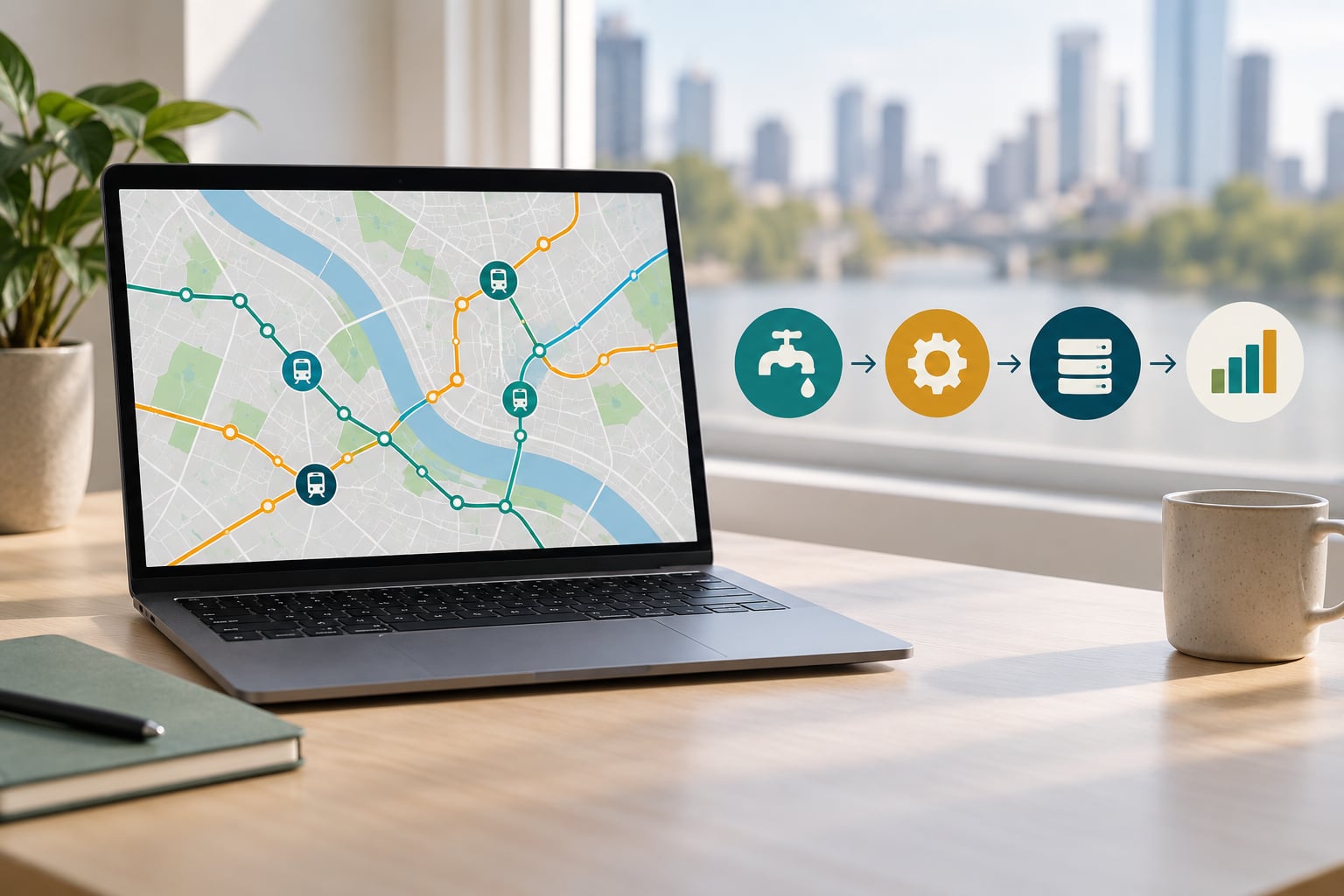
Product analytics tools track events by embedding a small tracking library in your app or website, capturing each meaningful user action as a structured record, then sending that record to an ingestion endpoint where it is matched to a user profile and stored so you can query it as funnels, retention curves and feature adoption reports.
The record itself is small: an event name, a timestamp, some properties and an identifier. Everything else you see in a dashboard is built on top of that log. This guide follows one event from the moment a rider taps a button in a transit app to the moment a product manager decides what to build next.
Table of Contents
- What Does It Mean to Track Events?
- How Product Analytics Tools Track Events
- 1. Instrument
- 2. Capture
- 3. Identify
- 4. Transmit
- 5. Process and store
- 6. Model
- 7. Report
- What Data Does an Event Capture?
- How Do Event Tracking Methods Differ?
- Client-side tracking
- Server-side tracking
- Tag manager tracking
- Autocapture
- How Are Users and Sessions Identified?
- How Do Teams Turn Events into Useful Metrics?
- Activation and funnels
- Retention cohorts
- DAU, WAU, MAU and stickiness
- Feature adoption
- How Can You Implement and Validate an Event?
- 1. Write the event plan first
- 2. Agree a naming convention
- 3. Instrument in code
- 4. Validate before release
- 5. Check it end to end
- 6. Keep the plan honest
- What Common Tracking Problems Should You Avoid?
- Frequently Asked Questions
- What is event tracking in product analytics?
- What is the difference between an event and a page view?
- Should event tracking happen on the client side or server side?
- How do you test whether product analytics events are working?
- How can event tracking improve a civic or smart city app?
- Conclusion
What Does It Mean to Track Events?
An event is a timestamped record of something a user did: signed up, planned a trip, exported a report, dismissed a prompt. Product analytics event tracking is the practice of deciding which actions are worth recording, giving them consistent names, and collecting them reliably enough to trust the totals.
Page views are not events in the product analytics sense. A page view tells you a document loaded. An event tells you what the person did inside it. That difference matters most in mobile apps, where a single screen can host six distinct actions, or in civic apps where nobody navigates by URL at all.
Traffic tools answer “where did people go and how much did it cost to get them here.” Product analytics answers “what did they accomplish.” If your team can only see sessions, page views and bounce rate, you can describe the shape of usage but not its purpose.
In practice, event tracking gets a team four things:
- A funnel they can actually diagnose, because each step is a named action instead of an inferred page.
- Retention measured by cohort rather than by a site-wide average that hides everyone who churned in week one.
- Feature adoption evidence, so the next roadmap argument is settled with data instead of seniority.
- Regressions that are caught in days rather than quarters, because alerts fire on event volumes that move.
How Product Analytics Tools Track Events
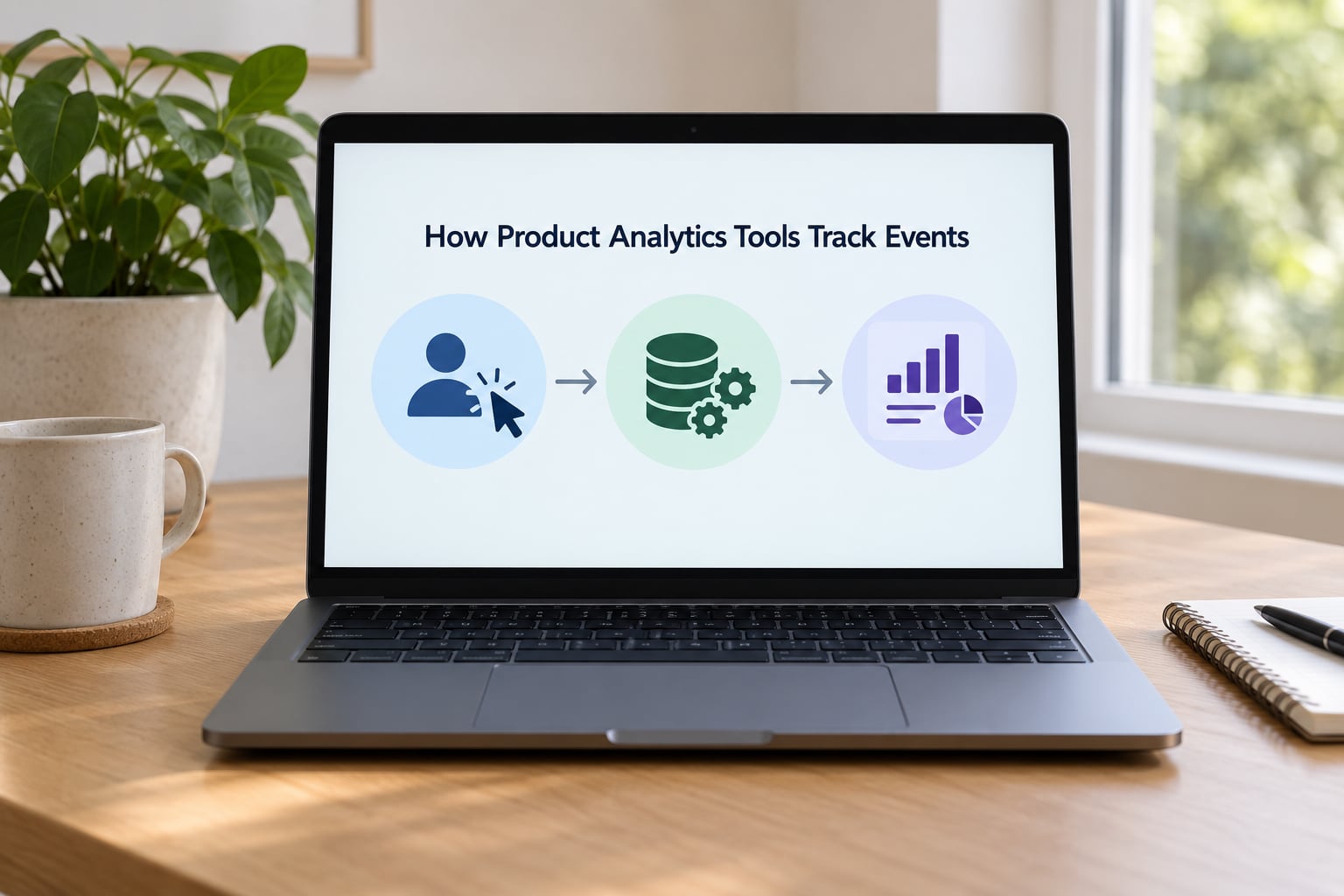
The pipeline has seven stages. Each one can break silently, which is why troubleshooting usually starts at the top rather than in the dashboard.
1. Instrument
A developer puts a call site in the code where the action happens, usually right below the handler for a button or screen. The call site names the event and attaches properties. Instrumentation is the only stage a human writes by hand, and it is the stage where mistakes are cheapest to fix.
2. Capture
The SDK builds a payload at runtime: the event name, the moment it fired, the current user and session identifiers, and the properties you supplied. It attaches a few more automatically, including platform, app version and screen or route. Capture happens in memory, and nothing is durable yet.
3. Identify
The library attaches an identifier. For an anonymous visitor that is a randomly generated anonymous ID stored locally; once someone signs in, an identify call swaps in a durable user ID and links the earlier anonymous activity to that profile. Getting this step wrong quietly breaks funnels and retention, which I will come back to below.
4. Transmit
The payload is queued and shipped over HTTPS, usually in batches rather than one request per tap. Good SDKs buffer offline, retry on failure and flush on a timer or a queue threshold. Mobile apps on patchy connections lose far less data than naive implementations do, because a request that fails in a tunnel simply stays queued.
5. Process and store
The ingestion endpoint validates the payload, assigns an internal event ID, and writes it into storage. Vendors write into their own columnar store; self-hosted and warehouse-native setups write into BigQuery, Snowflake, ClickHouse or a local DuckDB database. Sessions and user profiles get resolved around this point too.
6. Model
Raw rows are turned into the things people actually query: user entities, sessions, funnels, cohorts, and pre-aggregated counts for dashboards. This is where a tool earns its keep, because the alternative is a data engineer writing the same group-by query for every stakeholder who asks.
7. Report
Dashboards, saved queries, subscriptions and anomaly alerts read from the model. This is the stage most people picture when they say analytics, and it is the last one that happens. A dashboard is a window onto a pipeline that already ran.
Two practical consequences follow. First, latency is normal, so an alert on a conversion event needs a few minutes of grace before anyone panics. Second, the same action can be captured twice by mistake, and once duplicates reach storage no report will tell you, because a doubled row looks exactly like a real spike.
What Data Does an Event Capture?
Every event carries a handful of required fields plus whatever properties you attach. Tools name them differently, but the shape is remarkably consistent, and an experienced analyst can read any vendor’s schema once they know this list.
| Field | What it holds | Example value | Required |
|---|---|---|---|
| event_name | The action, in Object-Action form | trip_planned | Yes |
| occurred_at | Client timestamp of the action | 2026-03-14T08:41:22Z | Yes |
| user_id | Durable identity after sign-in | usr_88213 | After sign-in |
| anonymous_id | Generated ID before sign-in | anon_71f0c | Before sign-in |
| session_id | One visit or app session | ses_4d19 | Usually |
| properties | Context for this specific action | mode: “bus”, origin: “Central Station” | Recommended |
| platform | Device or runtime | ios | Auto |
| app_version | Build the action came from | 4.2.0 | Auto |
| session_replay_id | Pointer to a recorded session, if enabled | replay_9921 | Optional |
Here is what a real payload looks like for a rider planning their first trip in a city mobility app:
{
  "event_name": "trip_planned",
  "user_id": "usr_88213",
  "anonymous_id": "anon_71f0c",
  "session_id": "ses_4d19",
  "occurred_at": "2026-03-14T08:41:22Z",
  "platform": "ios",
  "app_version": "4.2.0",
  "properties": {
    "mode": "bus",
    "origin": "Central Station",
    "destination": "Civic Plaza",
    "departure_window": "morning",
    "stops_count": 4,
    "offline": false
  }
}
And the JavaScript call that produced it, using a fictional SDK to keep it neutral:
analytics.track("trip_planned", {
  mode: "bus",
  origin: "Central Station",
  destination: "Civic Plaza",
  departure_window: "morning",
  stops_count: 4,
  offline: false
});
Notice what is not in there. No rider name, no email, no home address, no exact coordinates. Zone names and route metadata are enough to answer product questions, and they carry far less privacy weight than a person’s location history.
The offline property is the kind of detail teams forget until a support ticket arrives. It tells you whether a slow plan was a bad experience or a weak signal, which are two completely different problems to fix.
How Do Event Tracking Methods Differ?
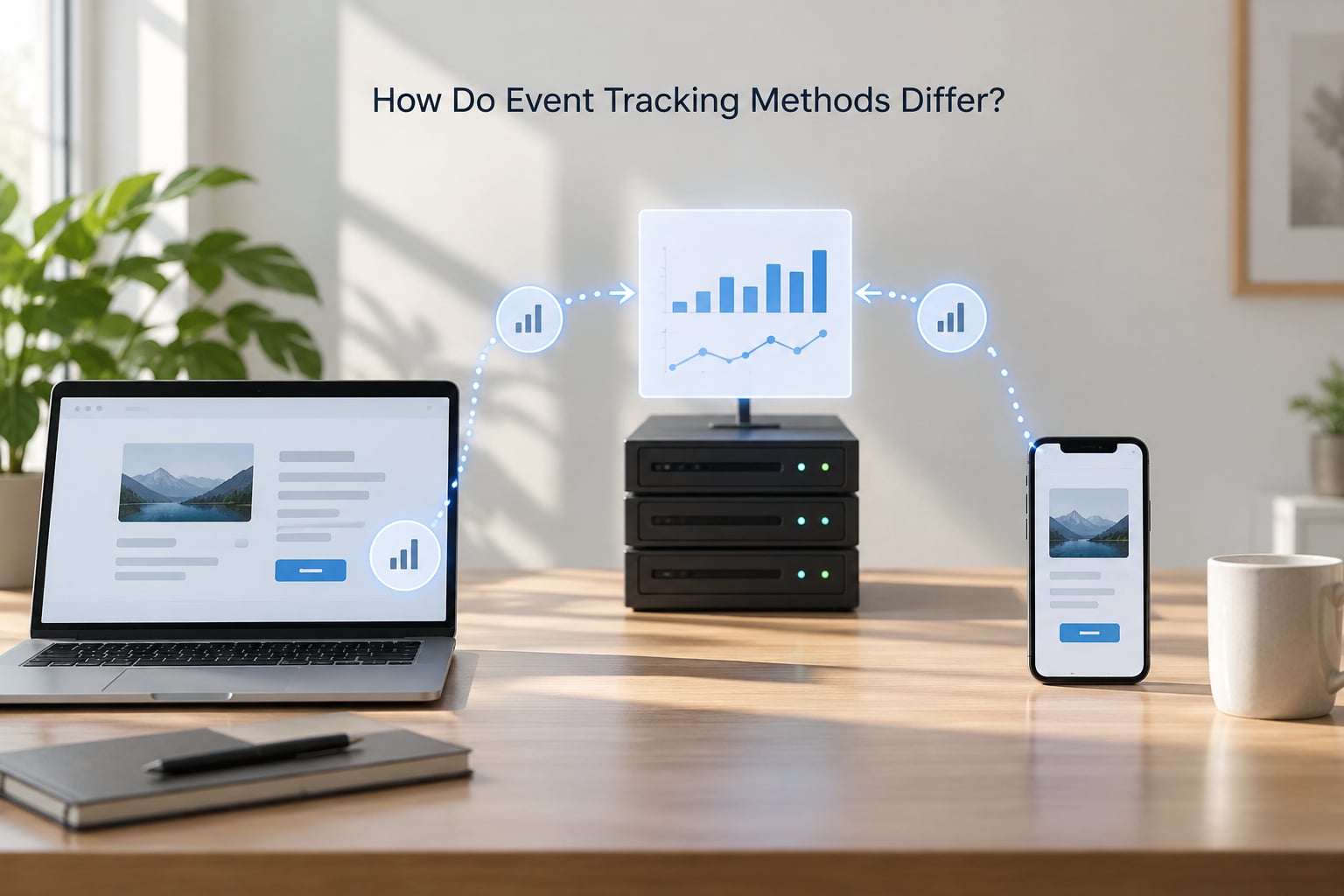
Instrumentation comes in four shapes, and the right choice depends on whether the action is visible in the interface, visible on the server, or both.
Client-side tracking
A JavaScript, iOS or Android SDK fires from the app itself. It is the most precise method for interface actions, because the SDK knows which button was tapped, and it carries device and app version for free. The weaknesses are well known: it misses actions that happen on a server, it can be blocked by ad blockers on the web, it adds a few kilobytes to a page, and a crash can take the final event with it.
Server-side tracking
Events are emitted from your backend when the real work completes: a payment captured, a route generated, a row written. Nothing is lost to crashes or blockers, and the data is authoritative, which makes it the right home for revenue, transit and administrative events. The tradeoff is that it only sees what your systems know, so it misses interface actions that never change server state, like opening a panel or dismissing a tooltip.
Tag manager tracking
A tag container holds configuration that marketing and analytics staff can edit without a deploy. On its own it is weak for product analytics, because tags add latency and make event definitions sprawl. It works well when you want web events to share a definition with a Google Analytics 4 property and a consent framework, and you accept the extra hop.
Autocapture
No-code tools listen to the interface and infer events: every click, every route change, every form field. You get coverage in an afternoon instead of a quarter, and that speed is genuinely valuable during exploration. The price is noise, because the tool records what it saw, not what mattered, and nobody planned for the schema.
The practical setup for most teams is hybrid: client-side for interface and funnel steps, server-side for anything that must be accurate, and a short list of properties rather than separate events for variants. One report_exported event with a format property of pdf, csv or xlsx beats three near-identical event names, because three names triple the work of every future funnel and drift apart over time.
Autocapture makes a useful first pass and a poor permanent layer. The honest pattern is to let it discover candidate events, then hand-promote the ones that matter into your own naming scheme and turn the rest off.
How Are Users and Sessions Identified?
Metrics only work if events group into people. That grouping depends on identity, and this is where I see the most wasted engineering hours.
Everyone starts anonymous. The SDK generates a random ID, stores it in local storage or the app keychain, and attaches it to every event from that device. When someone signs up or logs in, you call an identify function with a durable user ID; the tool merges the anonymous history into a single profile from that moment on.
Skip that merge and the damage is quiet rather than loud. Funnels split into a signed-in path and an anonymous path. Retention cohorts start at sign-in and exclude everyone who used the product first, which means your activation number is wrong in the flattering direction. Session counts double for anyone who browses before logging in.
Identity resolution goes further than the merge. It links the same person across a web session, a phone app and a call centre record, usually through an identity graph or a customer data platform such as Segment or RudderStack. Cross-device stitching is genuinely useful for civic apps, where someone researches a permit on a desktop and applies from a phone the next day.
Sessions are the other half. A session is a window of activity bounded by inactivity, often 30 minutes, and the tool writes the session ID for you rather than making you track it. Set the timeout deliberately: too short and one continuous task breaks into five sessions, too long and a browser open all afternoon counts as one.
For public-facing apps, identity carries real legal weight. Collect the least that answers your questions, keep consent state attached to the event stream rather than to a separate system, honour withdrawal by suppressing historical identifiers, and hash or drop direct identifiers at the SDK boundary. Matomo is often chosen in this situation precisely because a self-hosted install keeps raw behaviour data inside infrastructure you control.
How Do Teams Turn Events into Useful Metrics?
Nobody installs an SDK for funnels. They install it because the same raw rows support a set of standard metrics, and once those exist the questions get much cheaper to answer.
Activation and funnels
Activation is the first action that predicts long-term use, whatever that turns out to be for your product. In a mobility app it might be planning a trip; in a citizen reporting app, submitting a report. Funnel analysis then measures the gap between each step, and the value is in the drop-off step, not the total.
Retention cohorts
Group users by the week they activated, then track how many of each group came back. Cohorts expose the difference between a launch spike and a real habit, and they are the fastest way to see whether a redesign helped the people who experienced it.
DAU, WAU, MAU and stickiness
Daily, weekly and monthly active users, with stickiness as the ratio DAU over MAU. A low ratio usually points to occasional use, which is normal for civic services and worth interpreting rather than treating as failure.
Feature adoption
The share of users who reach a feature at all, and the share who reach it repeatedly. This is how dead features get identified. A feature used by 4% of activated users after ninety days is a candidate for removal, and a tracking plan makes that argument with evidence instead of opinion.
Civic teams often add their own: permit application completion rate, report resolution time, service portal return rate within a single billing cycle.
One warning about all of it. Every metric above describes what happened. None of them explain why. When an event correlates with churn, that is a hypothesis worth testing, not a conclusion, and a holdout group or a controlled rollout is the only honest way to confirm it. Automated AI query tools currently get complex business questions right maybe 60 to 70 percent of the time, so a generated number deserves the same scrutiny as one you typed.
How Can You Implement and Validate an Event?
A workable implementation follows a fixed order, and skipping steps is what produces the two classic failures: nothing tracked at all, or everything tracked badly.
1. Write the event plan first
Start from five business questions, not from the interface. What does activation mean, where do people drop out, which features get used, how do people come back, what converts. Each question needs maybe two or three events to answer it, which lands you somewhere around 15 to 25 events for a first release.
2. Agree a naming convention
Object-Action in lower snake case: trip_planned, report_submitted, permit_status_viewed. Past tense for actions. Variants become properties, never new names. Put the convention in one written file that is version controlled next to the code, because a tracking plan living in a spreadsheet becomes a genuine burden to maintain as the team grows.
3. Instrument in code
Wrap calls so every event passes through one module. That single decision makes later renames a one-file change instead of a codebase-wide search, and it gives you a natural place to enforce property rules.
4. Validate before release
Run the flow in a non-production environment with the vendor’s debug or preview mode open, then in a browser or device inspector network tab. Check four things: the event fires once, the name matches the plan, the properties carry real values, and the anonymous-to-known merge happens at the right moment.
5. Check it end to end
Confirm the event appears in the reporting layer, not just in the debugger. Debug mode proves capture; it does not prove ingestion, modelling or identity resolution. A lot of teams discover the second half is missing only weeks later.
6. Keep the plan honest
Assign one approver, review the event list quarterly, and retire events nobody queries. Platform mechanics move around quickly across Mixpanel, Amplitude, Heap, PostHog, Google Analytics 4 and the routing layers like Segment and RudderStack, so name the platforms and the principles rather than memorising menu paths that will have moved by the time you read this.
What Common Tracking Problems Should You Avoid?
Most analytics problems are data problems wearing a chart. Here are the failures I run into most, and what fixes each one.
- Missing events. Usually a call site inside a conditional that rarely runs, or a version that shipped without instrumentation. Fix: a completeness check that compares expected counts against received counts, and a schema validation step in the build for your critical conversion events.
- Duplicate events. A handler bound twice, a route change firing on both push and pop, or a retry that sends the same payload twice without an idempotency key. Fix: dedupe on a generated event ID, and send critical events from the server where you control retries.
- Wrong properties. The event fires but the property is empty, a string where a number was expected, or a value captured too early to be accurate. Fix: validate types in the wrapper and set a completeness target above 98 percent for your core events.
- Inconsistent naming. Three spellings of the same action across two teams means three funnels nobody can build. Fix: one naming convention, enforced at review time rather than by a document people can skip.
- Schema drift. A new release adds a property, or changes the type of an old one, and historical queries quietly return wrong answers. Fix: schema validation with versioning, and a compatibility test on the fields your dashboards depend on.
- Broken sessions. A custom router or a background refresh resets the session, so session-scoped reports fragment. Fix: check session behaviour on every navigation change, not just on the happy path.
- Sampling. Your tool samples events to control cost, and the sampled subset stops being representative exactly when volume spikes. Fix: know your sampling rate and never draw conclusions about small segments from sampled data.
- Unexpected latency. Alerts fire on events that have not arrived yet. Fix: a sensible delay on alerting, and record both client and server timestamps so you can measure the lag instead of guessing at it.
- PII in payloads. An email in a property field is convenient until someone exports it. Fix: an allowlist of permitted properties, hashed identifiers, and a review step for anything touching personal data.
- Event volume creep. Autocapture plus a few debug calls can multiply traffic twentyfold, and per-event pricing turns that into a real bill. Fix: audit monthly volume, keep a sample rate for high-frequency events, and prune what nothing queries.
That last one deserves emphasis. The most common request from practitioners working this way is simpler, not richer, tracking. Bloated schemas break fast, names drift apart, and a team maintaining 400 events answers fewer real questions than a team maintaining 30.
Frequently Asked Questions
What is event tracking in product analytics?
Event tracking is the practice of recording discrete user actions as structured rows rather than inferring them from page loads. Each row carries an event name, a timestamp, a user or anonymous identifier and a set of properties describing the action. Product teams query those rows to build funnels, retention cohorts and feature adoption reports. The point is to measure what a person accomplished, not merely which pages loaded.
What is the difference between an event and a page view?
A page view records that a document or screen loaded. An event records a specific action with context, such as trip_planned with an origin, a mode and a stop count. Page views work for content sites where reading the page is the goal. Product analytics relies on events because the interesting behaviour happens inside a screen: tapping filters, submitting a form, dismissing a prompt, or completing a booking.
Should event tracking happen on the client side or server side?
Use client-side tracking for interface actions and server-side tracking for anything that must be accurate, so most teams end up running both. Client-side events are precise about what the person touched and arrive with device and app version, but they can be lost to crashes and blockers. Server-side events are authoritative for payments, records and completions, but they cannot see interface behaviour that changes nothing on the backend.
How do you test whether product analytics events are working?
Run the flow in a non-production environment with the vendor debug or preview mode open, and check the network tab for the outgoing request. Confirm the event fires exactly once, the name matches your tracking plan, and the properties contain real values rather than placeholders. Then verify it appears in the reporting layer, since debug mode proves capture but not ingestion, identity resolution or modelling.
How can event tracking improve a civic or smart city app?
It turns vague engagement claims into measurable service questions: what share of residents complete a permit application, where in the form they stop, how often reporting tools get used after the first submission, and whether service portal return rates hold across a billing cycle. For public-sector teams, event data also needs consent attached, minimal identifiers, and infrastructure you control, which is why self-hosted options are often preferred.
Conclusion
Start by writing down the five questions your product needs answered, then instrument the fifteen to twenty five events that answer them. Give every call site one naming convention, check anonymous-to-known identity on day one rather than at launch review, and confirm events reach the reporting layer, not just the debugger. Everything else in a product analytics setup is refinement on top of that working spine.