An app beta test is a limited, time-boxed release of a usable but unfinished build to a small group of real users, run to find crashes, check whether people can complete the core task without help, and see whether they come back. You pick a cohort, ship builds through TestFlight or Google Play, collect structured feedback, and hold yourself to exit criteria set before recruitment starts.
A first beta for a small app takes about two to four weeks and roughly a dozen hours of setup. The awkward part is not the tooling. It is deciding in advance what evidence would convince you to ship.
Most founders do it backwards. They recruit a group, wait for comments, and get a pile of polite nothing. The runbook below puts the decision threshold first and the recruitment second, which is the whole difference between a beta that teaches you something and a beta that just feels busy.
Table of Contents
- What You Need
- Step-by-Step: How to Run a Beta Test for a New App
- 1. Define what the beta test must prove
- 2. Choose the right beta participants
- 3. Prepare a testable beta build
- 4. Set up consent, support, and feedback channels
- 5. Run the test and observe real behavior
- 6. Measure outcomes against decision thresholds
- 7. Analyze feedback and prioritize fixes
- 8. Decide whether to iterate, relaunch, or launch
- Common Mistakes
- Frequently Asked Questions
- How long should a beta test run for a new app?
- How many beta testers do I need for my app?
- Should I run a closed beta or an open beta first?
- How do I distribute an iOS beta with TestFlight?
- What is the difference between internal and closed testing in Google Play?
- Do beta testers get paid for testing an app?
- Conclusion
What You Need
Eight things should exist on paper before a single invitation goes out, and most of them take under an hour.
- A hypothesis in one sentence. The specific belief this test could prove wrong, such as “new users can find a parked sensor in under two minutes without asking for help.”
- A named target user. Not “early adopters” but “neighborhood association managers who log inspection reports from a phone at least twice a week.”
- A minimum viable build. Only the journeys you are evaluating. Everything else should be hidden, stubbed, or removed.
- A test environment. A distribution channel such as TestFlight, a Google Play testing track, an internal build-sharing service, or a web prototype.
- Feedback tooling. At minimum a shared form and a support inbox. An in-app reporting widget helps once the cohort passes 15 people.
- A consent and privacy note. Plain language on what data is collected, how long it is kept, and how to quit.
- Success metrics with thresholds. Numbers agreed now, not judged later.
- An owner. One person reading every piece of feedback. Split ownership is how feedback dies.
If you cannot write the hypothesis and the threshold in one sitting, keep recruiting on hold. The build can wait; a test without a decision rule produces opinions, not information.
Step-by-Step: How to Run a Beta Test for a New App
The process runs in eight steps and takes two to four weeks for a typical first release. The order matters more than the speed: goals before recruitment, evidence before fixes, fixes before the decision.
1. Define what the beta test must prove
Turn a vague goal into three to five testable questions, each with a metric and a pass mark. A good one reads: “A first-time user completes the core task unaided,” measured as task completion rate, passing at 70 percent of the cohort.
Run the app beta testing process against questions you can fail. Questions like “do people like it” cannot be answered, only argued about. Write the hypothesis, the target behavior, the metric, and the threshold together on one page, and keep that page next to the feedback inbox for the whole test.
Before you go further, it helps to know which kind of test you are running. Alpha testing happens inside the team on rough builds to find defects early; a beta hands a working build to people outside the company to see whether real people can use it and want to.
| Factor | Alpha testing | Beta testing |
|---|---|---|
| Audience | Employees, founders, close collaborators | Recruited users who match the target profile |
| Build quality | Rough, features incomplete | Stable enough to complete the core task |
| Goal | Find crashes and obvious defects | Validate usability, demand, and pricing |
| Exit criteria | No blocker bugs on internal devices | Agreed behavioral thresholds met |
Also decide open or closed now, because it shapes recruitment. A closed beta restricts access to a curated list; an open beta lets anyone join through a public link. For a first release, closed gives you far cleaner data.
| Factor | Closed beta | Open beta |
|---|---|---|
| Access | Invite list or email addresses | Public TestFlight link or open Play track |
| Cohort size | 5 to 50, deliberate | Unbounded |
| Data quality | High, you know who responded | Mixed, many install and vanish |
| Best stage | Every first beta | After one closed round is clean |
2. Choose the right beta participants
Recruit people who have the problem your app addresses, then cap the group so everyone gets real attention. Founders posting in r/AppBuilding and r/betatests report the same pattern repeatedly: a bare “please test my app” link draws a couple of replies, while an ask with context and one named task brings working testers.
Keep employees and close friends out of the results if you can. They are polite, they know the answers, and they will inflate every number you collect. Use them for smoke testing, not for evidence.
Give testers a real exchange rather than a favor you are asking for. Early access, a lifetime upgrade, a discount, or simply testing two of their apps in return all work. Set the quota before you start recruiting, not after.
3. Prepare a testable beta build
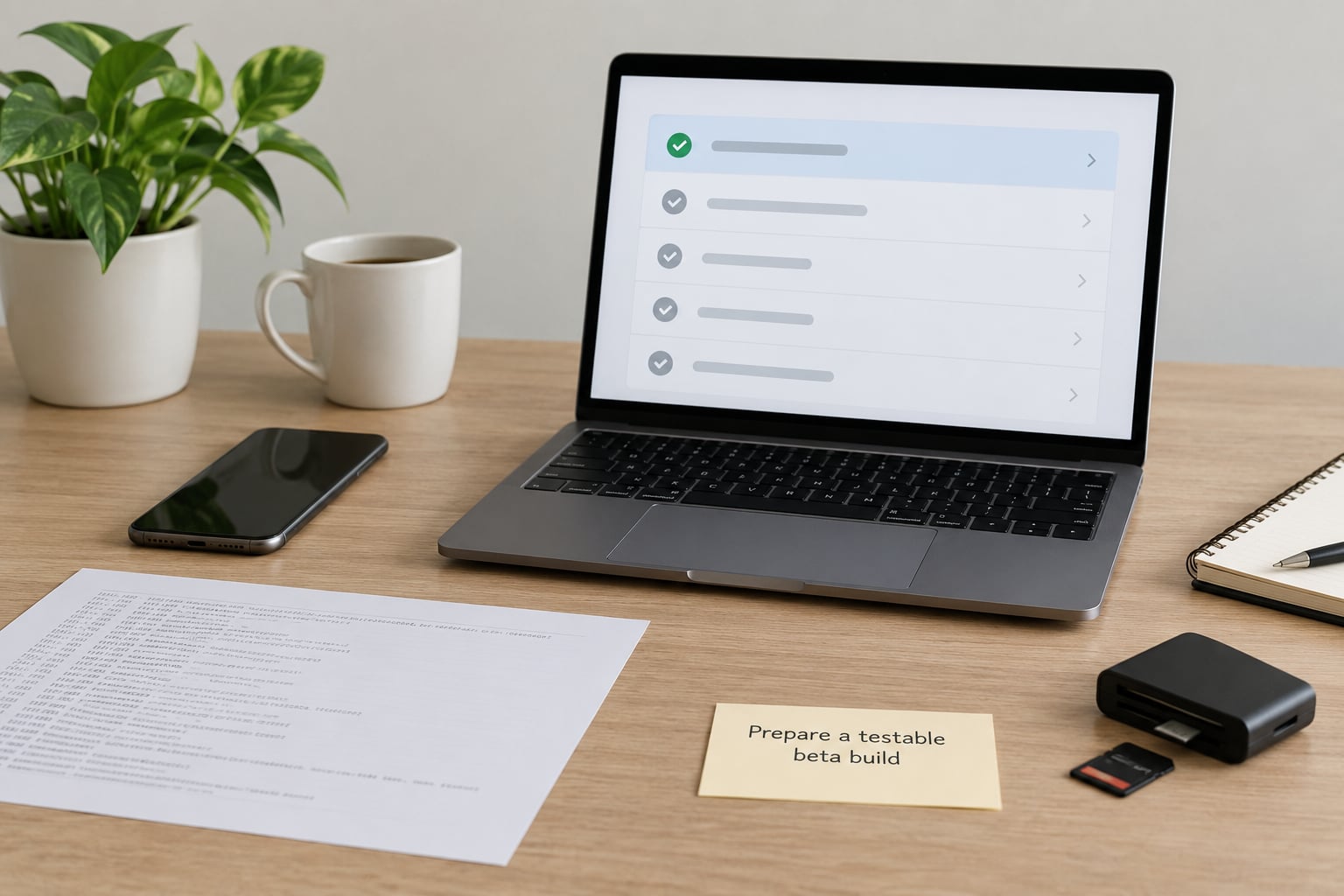
A beta build contains only the journeys under evaluation, with known blockers already removed. Hide settings and unused screens, stub anything that calls a backend you have not finished, and freeze the feature set until the test ends. Changing the app mid-test destroys the comparison you were trying to make.
Verify the instrumentation before you invite anyone: do analytics events fire on the core task, does crash reporting reach you on a real device, and is the onboarding flow reachable from a clean install. Then decide how testers receive builds.
For iOS, TestFlight handles distribution. In Xcode, select your scheme, choose Product, then Archive. Upload the build to App Store Connect, wait for processing, then select the build under TestFlight and add testers by email address or share the public link. Testers install the TestFlight app first, then accept your invitation. Apple caps a public link at 10,000 testers and a private invitation at 100 per build.
For Android, Google Play Console gives you three tracks. Internal testing reaches up to 100 testers with builds reviewed within minutes, closed testing opens to a selected email list, and open testing is public. Upload an Android App Bundle under Release, Testing, then Internal testing, and add your tester emails under the Manage tab.
| Factor | Apple TestFlight | Google Play Console | Third-party distribution |
|---|---|---|---|
| Review speed | Hours, occasional manual review | Internal testing in minutes | Minutes |
| Tester limits | 10,000 public, 100 by email per build | 100 internal, more on closed and open | Varies by plan |
| Testers need an app | Yes, TestFlight | No | Usually yes |
| Best for | iOS and watchOS builds | Android staged rollouts | Cross-platform QA teams |
A civic or field-service app adds a wrinkle worth planning around: testers on older Android devices, low bandwidth, or shared handsets. Include at least two such devices in the cohort rather than discovering the problem at launch.
4. Set up consent, support, and feedback channels
Send a short welcome note before anyone installs anything. It should cover what the app does, who it is for, what stage it is at, exactly what feedback you want, what data is collected, how to stop, and where to send problems. Keep it under a page.
Pick the channel that matches the question. Surveys and short prompts measure satisfaction, screen recordings or moderated sessions reveal where people hesitate, support tickets catch defects, and in-app prompts catch friction at the moment it happens. Match instruments to test questions in step 1, not the other way round.
Say plainly what happens to the data. Testers who know what is collected and how to leave tend to stay longer, which matters when your real bottleneck is participation.
5. Run the test and observe real behavior
Launch the build in waves rather than to everyone at once. Send it to a first slice of five to ten people, watch for a few days, then open it up. A wave catches a bad build before twenty people install it.
Watch people attempt the core task. What you are collecting is observable behavior: where they pause, what they tap twice, what they back out of, which error messages stop them, and what they ask you for that is not there. If you run moderated sessions, keep questions neutral and hold back your opinion, since a single hint from you can invalidate the whole session.
Record only what answers the test questions. Capture a screenshot or a short clip where it explains a problem rather than everything a session contains.
6. Measure outcomes against decision thresholds

Compare each week of results against the thresholds you wrote in step 1, not against your hopes. Task success, time on task, error rate, activation, return intent, crashes, and the recurring themes in feedback are the numbers that matter.
Instrumenting these takes an afternoon. Decide the events up front: core task started, core task completed, error shown, second session started.
| Metric | How to measure it | Typical beta threshold | If you miss it |
|---|---|---|---|
| Core task completion | Completed event divided by started events | 70 percent or higher | Watch a recorded session before changing code |
| Time on core task | Median duration of the completing cohort | Under two minutes, unaided | Cut steps in onboarding, not features |
| Crash-free sessions | Crash and ANR monitoring dashboard | Above 99 percent | Blocker, fix before the next wave |
| Return within a week | Distinct users with two sessions in seven days | 30 percent of active testers | Interview non-returners, do not assume |
| Onboarding drop-off | Step-by-step funnel completion | Under 40 percent loss to the last step | Interview the people who quit at that step |
| Satisfaction | One rating plus one open question per tester | Median 4 of 5, or a clear majority of 4s and 5s | Treat low scores as a symptom, read the text |
How many feedback items arrive matters much less than whether any of them change a decision. Twenty vague comments are worth less than one report that makes you rebuild a screen.
7. Analyze feedback and prioritize fixes
Group every observation by the underlying user problem rather than by the feature it came from. Then rank each group by severity, how many people hit it, how much of your audience it affects, and how strong the evidence is.
Sort what you find into usability failures, which mean people cannot finish the task, and missing features, which mean they finished and wanted more. These are different queues with different owners, and mixing them is how teams spend a week polishing something nobody needed.
Rank actions by expected user impact, effort, and confidence in the evidence. Confidence means how directly the evidence shows the problem: a reproducible crash from three testers outranks one person’s guess about a color scheme. De-duplicate before you estimate, since five people reporting the same broken screen is one bug with five witnesses.
8. Decide whether to iterate, relaunch, or launch
Hold a documented decision review with the thresholds, the metrics, and the ranked list in front of the same people who wrote them. Write the decision down in one sentence, with the evidence that drove it.
If fixes were substantial, run a short verification round with a smaller group before you invite anyone new. A new build with a changed onboarding flow needs fresh evidence, not the old numbers. Then write back to every tester: what you fixed, what you deliberately did not fix and why, and what happens next. Testers whose feedback ships in a later build tend to come back for the launch, and that group is your most credible early audience.
Small apps can often graduate after two to four weeks and two or three builds. Anything with onboarding, payments, or offline behavior needs longer, because those paths only break under real conditions.
Common Mistakes
The failure modes below show up repeatedly in founder communities, and each one is cheap to avoid with a small change to how you set the test up.
Vague objectives. “See if people like it” cannot fail, so nothing counts as a result. Fix it by writing a metric and a pass mark next to every question before recruitment opens.
Recruiting only friends and coworkers. They are polite, they guess what you want, and their numbers inflate everything. Fix it by setting a quota for people who match the target profile and capping their share at roughly a third of the cohort.
Changing the app mid-test. Every change resets your comparison, because you can no longer tell a product improvement from a change in the people using it. Fix it by freezing the feature set and shipping fixes as a new numbered build.
Asking leading questions. “Did you like the new dashboard?” invites agreement. Fix it by asking what someone tried to do, what got in the way, and what they did next.
Treating every comment equally. Collecting unlimited feedback produces a backlog nobody can rank. Fix it by capping questions, de-duplicating reports, and agreeing on a ranking method up front.
Hand-waving privacy. Unreleased builds handling real data without a plain consent note creates both a legal problem and a trust problem. Fix it by publishing what you collect, how long you keep it, and how a tester leaves.
Calling it success because testers were nice. Compliments are not a metric. Fix it by deciding what evidence would prove the product is worth shipping, and refusing to count goodwill.
Recruitment is the part founders most often get wrong. Forum threads consistently favor mutual exchange over a bare request, named feedback goals over open-ended asks, and proof of install over wishful signup counts. A cohort that quietly drops by half is normal, so build the recruitment list wider than you need and treat the drop as expected rather than as failure.
Frequently Asked Questions
How long should a beta test run for a new app?
Two to four weeks for a first beta on a small app, with two or three builds in that window. Apps with onboarding, payments, or offline behavior need six weeks or more because those paths only break under real conditions. Judge the end date by your thresholds rather than by a date on the calendar. If you are still fixing blockers in week three, extend rather than pretend the test is finished.
How many beta testers do I need for my app?
About 5 for a simple app with one screen, 20 to 30 for a typical startup product, and 50 to 70 for a feature-rich app with many user roles. Testers recruited through communities often finish the test at roughly one in five, so recruit around four times your target. A 25-person signup list that produces five completed tests is a normal outcome, not a failure.
Should I run a closed beta or an open beta first?
Run a closed beta first. Access is restricted to a curated list, so you know who is in the cohort, the data stays clean, and a bad build reaches five people instead of fifty. An open beta through a public TestFlight link or an open Play track makes sense once one closed round has shipped clean and the app has some polish. Switching early mostly adds noise.
How do I distribute an iOS beta with TestFlight?
Archive your build in Xcode with Product, then Archive, and upload it to App Store Connect. Once processing finishes, open the TestFlight tab, select the build, and add testers by email address or enable the public link. Testers install the TestFlight app from the App Store first, then accept your invitation. Apple allows 10,000 testers through a public link and 100 per build by email.
What is the difference between internal and closed testing in Google Play?
Internal testing lets you push a build to up to 100 named testers with review that usually finishes in minutes, which makes it the right place to smoke test a release candidate. Closed testing opens an app to a selected email list and passes through full review. Open testing is public and is the track to use for a staged rollout after a closed round is clean.
Do beta testers get paid for testing an app?
Apple and Google pay nobody for TestFlight or Play testing, and most teams do not pay either. What works instead is a fair exchange: early access, a lifetime upgrade, a discount, or testing two of the testers’ apps in return. Gift cards turn strangers into transactional relationships and often attract people who install and disappear, which is the opposite of what a small cohort needs.
Conclusion
Start with one sentence: name the single user behavior your app has to prove, pick the threshold that would convince you, and write both down before you recruit. Then invite a small group of people who actually have the problem, give them one named task, and read what they do rather than what they say. The rest of the process is just discipline about comparing the results to the line you drew at the start.