A sprint retrospective that changes things ends with at most three improvements that leave the room with an owner, a date, and a signal for whether they worked. Most retros do not fail in the discussion. They fail in the gap between a wall of sticky notes and the next sprint’s board, where the good intentions quietly expire. The process below takes 60 to 90 minutes, needs no special tooling, and is aimed at teams whose last retro produced a long list of ideas and no visible difference in the following sprint.
The frame comes from the 2020 Scrum Guide, which describes the retrospective as the event where a team inspects how the last sprint went with people, interactions, process, tools and its Definition of Done, and plans ways to increase quality and effectiveness. The seven steps below expand the classic five-step frame from Esther Derby and Diana Larsen’s Agile Retrospectives. Last reviewed for 2026.
Table of Contents
- What You Need
- Step-by-Step
- 1. Set a Clear Purpose and Timebox
- 2. Review the Sprint Without Blame
- 3. Gather Feedback from Several Angles
- 4. Cluster Similar Observations
- 5. Choose Improvements Worth Testing
- 6. Turn Insights into Owned Actions
- 7. Close with a Follow-up Mechanism
- Common Mistakes
- Frequently Asked Questions
- How long should a sprint retrospective last?
- Who should attend a sprint retrospective?
- How do you run a retrospective with a remote or hybrid team?
- How do you get quiet team members to talk during a retrospective?
- What questions should I ask in a sprint retrospective?
- How do you know if the retrospective actually changed anything?
- Conclusion
What You Need
Preparation is where most retros are won or lost. A team that walks into the room cold spends the first fifteen minutes rebuilding context, and the clock runs out before anyone commits to anything. Get these five things ready and the session runs itself.
- A timeboxed agenda with minutes against each step. Send it before the meeting, not after. A visible timer is the single cheapest way to stop the session from turning into an open-ended complaint session.
- Recent sprint evidence. The sprint goal next to what actually shipped, the burndown or cycle-time chart, the count of items carried over, and any blocker that stayed open more than a few days. Facts, not recollection.
- A visible place for the work. A physical board or a shared whiteboard the team can see from every seat. If someone joins from home, they need to be able to move things themselves, not describe what they would move.
- An anonymous input option. A poll, a shared anonymous board, or folded notes collected by the facilitator. The quiet people in the room are usually the ones with the most useful observation and the least reason to say it out loud.
- A named facilitator who is not the loudest voice. The facilitator’s only job is to hold the clock, hold the process, and protect the ground rules. A rotating facilitator works better than a permanent one, because a different person notices different silences.
Keep status updates out of the room. Anything that is just progress reporting belongs in the daily standup, and putting it in the retro burns ten minutes and trains people to stop listening.
Step-by-Step
The whole runbook is seven steps inside a 60 to 90 minute block. Read the minutes column before you facilitate, not during.
| Step | Minutes | Facilitator says | Output |
|---|---|---|---|
| 1. Set purpose and timebox | 5 | “We have 75 minutes. We leave with three owned actions.” | Shared goal for the session |
| 2. Review last retro’s actions | 10 | “For each item from last time: done, not done, or carry forward?” | Completion record |
| 3. Review the sprint without blame | 10 | “Here is the goal and here is what shipped. What explains the gap?” | Shared facts |
| 4. Gather feedback | 10 | “Ten minutes, silent, one thought per note. No discussing.” | Raw input |
| 5. Cluster and find causes | 10 | “Which of these are the same problem wearing different clothes?” | Three to five themes |
| 6. Pick and own the changes | 15 | “What will we do, who owns it, and how will we know?” | One to three action items |
| 7. Close | 5 | “Read your own item back. When we check it?” | Written summary in the team channel |
1. Set a Clear Purpose and Timebox
Open by naming the outcome in one sentence and the number of minutes, then stop talking. A typical script: “We are here to pick at most three changes to how we work, and we need to be out in 75 minutes. Nothing we write today is a performance review.” That last clause matters, because a room where people suspect the notes will travel upward produces polite, useless input.
Read the Prime Directive out loud once, in these words: “Regardless of what we discuss, we are here to improve the effectiveness of the team, not to blame any individual.” Then explain the process in three sentences: silent input first, cluster second, commit last. People who know the shape of the session argue less in the middle of it.
How you know it worked: nobody asks what the meeting is for.
2. Review the Sprint Without Blame
Put the sprint goal on the board next to what actually shipped, and spend ten minutes on the difference without naming anyone. Say it plainly: “We committed to cutting permit processing time and we moved it by 4 percent. Here is the burndown. Here is where work stalled. What explains that?”
Keep the evidence concrete, because blame and data feel different to a room. Story points, cycle time, carry-over count, open blocker days. When something slipped, ask what the process did, not who was slow. On city and civic technology work, add the constraints that genuinely shaped the sprint, like a council review window or a vendor dependency, so the team is not re-litigating a decision it could not have made.
How you know it worked: the discussion stays about the work rather than about one person’s sprint.
3. Gather Feedback from Several Angles
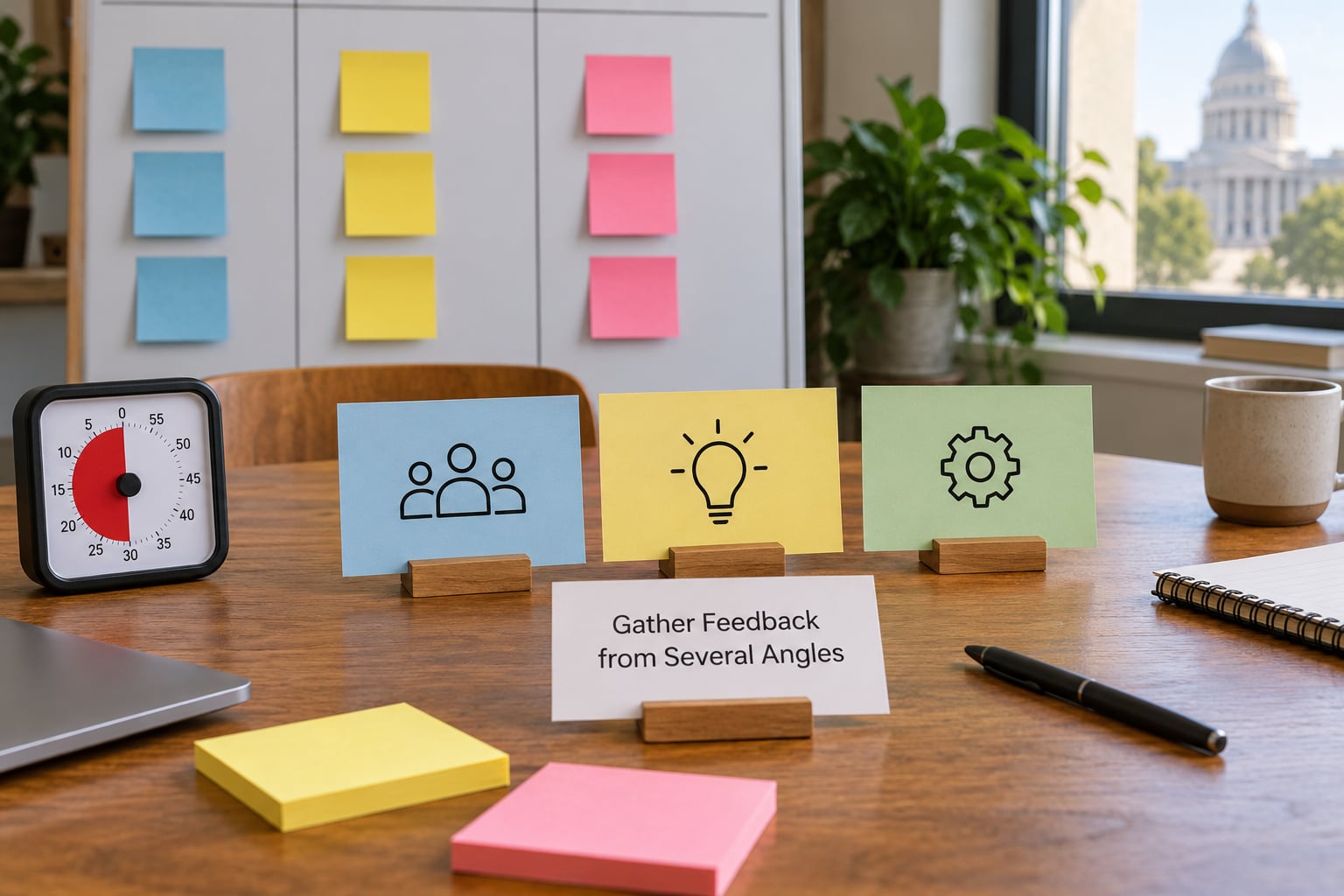
Give people ten silent minutes with one thought per note, no talking, and no reading other notes yet. Silence first is the cheapest fix for a quiet team, and it is far more effective than asking the quiet person to speak first. Four prompts work better than the classic two: what helped us move, what slowed us down, what surprised us, and what should we try next sprint.
The “what went well, what can be improved” pair is a fine starting point and a poor ending. It produces a balanced list that nobody has to act on, which is why the same two-column retro every sprint starts to feel like a ritual people dread. A lighter variant some teams use is the 3-5-3 rule, generally credited to Mike Canon and Martin Carter: three things going well, five that were not, three actions to try. It fits in 20 minutes and forces a trade-off, so it works well when the team has lost focus.
How you know it worked: every person has at least one note on the board, including the ones who never speak out loud.
4. Cluster Similar Observations
Group the notes into themes, not alphabetically and not by who wrote them. Read each note aloud and let the team move it. Five notes about unclear requirements, three about a flaky test environment, and one about a slow review queue are usually two themes wearing different clothes, and the second one is the one worth solving.
Work at the level of the system rather than the symptom. When a theme keeps coming back across sprints, that is a signal to spend five minutes on cause, not ten on symptom. A 5 Whys sequence gets you there in a hurry, and a fishbone diagram is worth the effort when several different notes all point at the same stage of the workflow. Keep the original evidence visible as you cluster, so the insight still has something concrete behind it at the end.
How you know it worked: the board has three to five themes, and the team is arguing about causes rather than restating notes.
5. Choose Improvements Worth Testing
Pick a small number, and defend the number. One to three items is the working range, because every extra item dilutes the ownership and the follow-through. Score each theme quickly on four things: impact if it works, how confident you are that it will, roughly how much effort it takes, and how much evidence you actually have. That is an informal impact-confidence-effort sort, and it takes about a minute per theme.
Weight evidence heaviest. A theme that came up in the last three retros is a pattern; a theme that came up once is an anecdote, and it deserves a smaller test rather than a rewrite. If a theme is genuinely important but too big for one sprint, split it into a version the team can try and note the larger one for planning. Aim for a sprint goal for the retro itself, phrased as a team: we will finish the release and cut cycle time by 20 percent.
How you know it worked: the team is arguing about which two or three to commit to, not whether the list is complete.
6. Turn Insights into Owned Actions
Every committed item needs five fields, or it will die quietly. Write them on the board as you go, and read each one back before moving on.
| Improvement | Owner | Due | Success signal | Expires |
|---|---|---|---|---|
| Definition of Done includes a staging deploy before merge | Named engineer | End of sprint 14 | Two or fewer rollback incidents in the next sprint | Reviewed after 2 sprints |
| Requirements questions answered within one working day | Named product owner | Immediately | No item sits in the ready column more than 2 days | Standing, reviewed monthly |
| Board column for blockers, reviewed first at standup | Scrum Master | Next standup | Blocker age under 3 days in every standup | Reviewed after 3 sprints |
The owner has to be a person, not a team, and not the facilitator. Due means inside the next sprint rather than soon. The success signal is the part teams skip most often, and it is the part that makes the whole thing verifiable: if nobody can say what the board would look like if the change worked, the item is a wish. Give each item an expiry so experiments end instead of quietly becoming permanent process. Then put the items where the work already lives, in the Sprint Backlog, in the Definition of Done, or in the board’s own columns, not in a separate tracking document nobody opens.
How you know it worked: everyone can state their own item, its due date, and what its success looks like without reading the notes.
7. Close with a Follow-up Mechanism
The loop closes in the last five minutes and it is the part most retros skip. Restate the three items, the owners and the dates, then say where the summary will live. Paste it into the team channel within the hour, while the room is still in everyone’s head, and put the same text at the top of the next Sprint Backlog.
Then fix the review point. Schedule the check for the first ten minutes of the next retrospective, which is step two of the runbook, and name the check now rather than improvising it later. A rough benchmark from teams that publish their numbers is 70 to 80 percent completion of the previous retro’s action items. Well below that tells you something specific: the items are too large, too vague, or owned by whoever happened to be free. It is not a motivation problem, and piling on reminders will not fix it.
How you know it worked: the summary is in the team channel before anyone leaves for lunch, and everyone knows when the items get reviewed.
Common Mistakes
Five failure modes account for most retros that produce nothing. Each has a fix.
No preparation, no evidence. The team arrives and spends twenty minutes remembering what happened. Fix it by sending the sprint goal, the shipped items and the previous action list a day ahead, and by keeping the first ten minutes off the agenda for looking at that list.
Blame language sneaks in. It starts small, with a person’s name attached to a delay, and the rest of the room goes quiet. Fix it by restating the Prime Directive the moment it happens, and by asking the process question: what in the workflow made that the likely outcome?
Every problem gets discussed. A team with eleven notes has a prioritisation problem wearing a discussion costume. Fix it by clustering first and setting a hard limit of three commitments, so the conversation has to earn its way onto the board.
Actions stay vague. Improve communication, be more proactive, raise the bar. None of these can be finished, so none of them can be checked. Fix it by requiring an owner, a date inside the next sprint, a success signal and an expiry on every item before it is written on the board.
Last sprint’s items never come back. The retro becomes a recurring complaint session that never learns. Fix it by making the review of previous items a named, timed step at the top of the agenda, and by deciding each unfinished item in front of the team: retry it smaller, drop it and say why, or carry it forward explicitly.
Two habits keep a retro from going stale. Rotate the format every few sprints so the session is not always the same two columns, and rotate who facilitates. A format that suits a calm release sprint rarely suits a sprint where something broke in production, so change the format to match the emotional weather rather than the calendar.
Frequently Asked Questions
How long should a sprint retrospective last?
Sixty to ninety minutes suits most two-week sprints, and the 2020 Scrum Guide allows up to three hours for a sprint of one month or less. Time-box the session against the seven steps rather than by feel, and hold the line when the clock runs out. Cutting the discussion short and still choosing an owner is a better outcome than a complete discussion that ends without a commitment.
Who should attend a sprint retrospective?
The Scrum Team only: the Scrum Master, the Product Owner and the developers. Keep stakeholders, line managers and anyone outside the team out, because the retro only works when people believe nothing they say will be used against them. If an outcome needs a decision from outside the team, capture the request and route it through the normal product channels instead of raising it in the room.
How do you run a retrospective with a remote or hybrid team?
Use the one remote, all remote rule: if anyone joins from home, everyone joins from their own screen, otherwise the remote people spend the session watching. In a five to ten person room, breakouts work well and larger than ten people does not. Give everyone a shared board they can edit themselves, keep the ten silent minutes to level the playing field, and never let a side conversation between two in-room people continue unmediated.
How do you get quiet team members to talk during a retrospective?
Do not prompt them. Structure does the work instead: silent writing first, one thought per note, anonymous input if you want it, and a clustering step where the quiet person’s note gets read aloud and moved by the room. The 1-2-4-All structure is useful too, where ideas are shared in pairs, then fours, then the whole group, so the first contribution is never made in front of everyone.
What questions should I ask in a sprint retrospective?
Ask about four angles: what helped us move, what slowed us down, what surprised us, and what should we try next sprint. Then ask two follow-ups that move toward action: which of these themes keeps coming back across sprints, and which one would be worth testing in the next two weeks. Add a mood check, fist to five, at the start and end, so you can see the trend even when nobody explains it.
How do you know if the retrospective actually changed anything?
Measure three things. First, completion of the previous sprint’s action items, where roughly 70 to 80 percent indicates a healthy loop. Second, whether each item’s success signal appeared in the data, such as a shorter blocker age or fewer rollbacks. Third, whether the change landed in a real artefact, a Definition of Done, a board column or a planning habit, rather than in a notes document nobody opened again.
Conclusion
Start with the smallest version of this. Run a 60 minute retrospective with one measurable improvement, give it a named owner and a date inside the next sprint, and put a review of it in the first ten minutes of the following session. One action that actually gets done teaches the team more than twelve that quietly expire, and once the loop is closed once, the format fatigue tends to disappear with it.