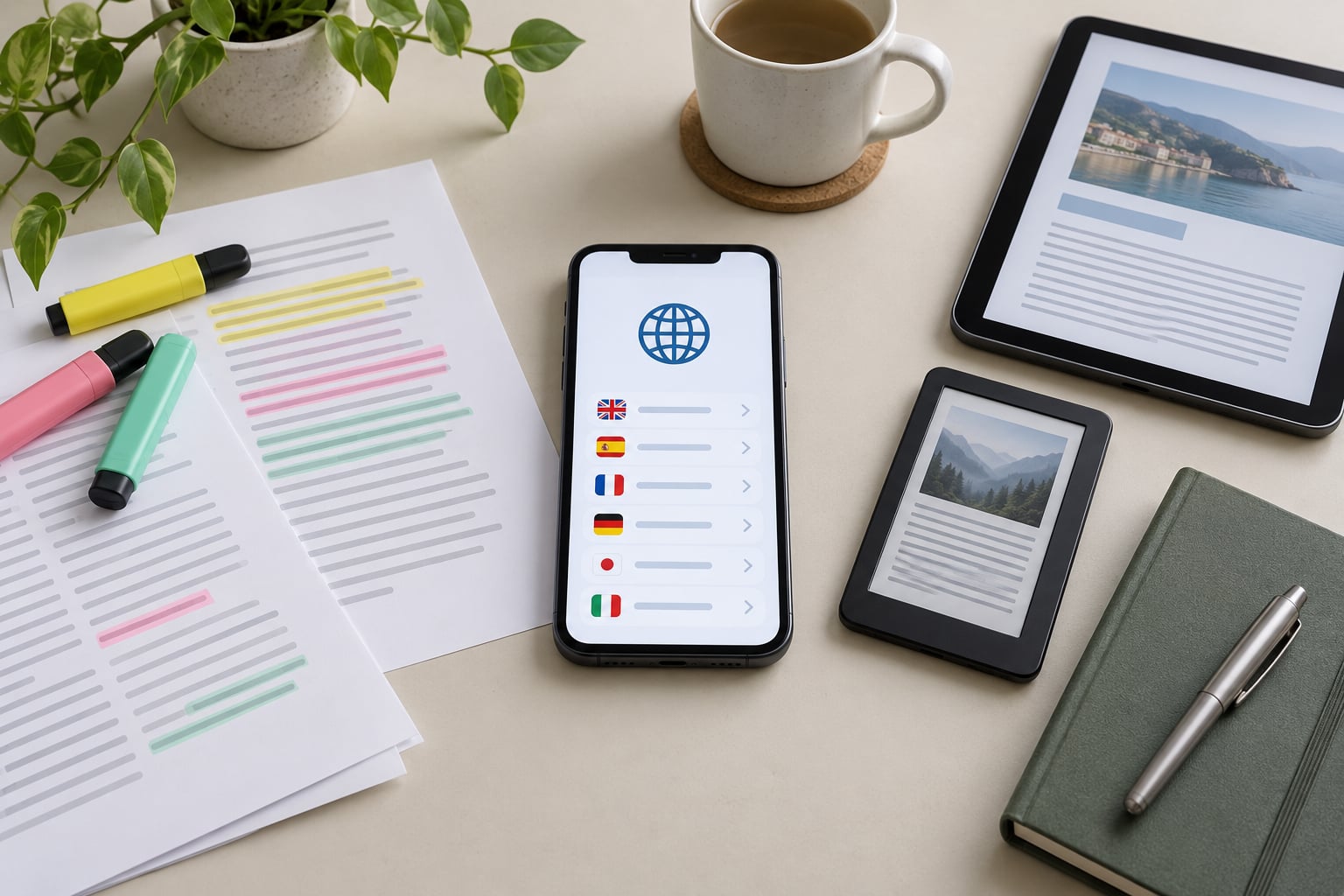
The short version of how to support multiple languages in an app: pull every user-facing string out of your source code, give it a stable key, store the translations in per-language files, then detect the user’s locale and load the right set at runtime or build time. Almost all of the difficulty sits in that first step, because retrofitting hardcoded text is painful work, while the language picker itself takes an afternoon.
This guide is for developers, product teams and civic app builders. If you landed here looking for an app to learn languages with, this is the wrong page — nothing below is aimed at end users.
The good news is that every major platform ships localization primitives already. Android has resource qualifiers, iOS has String Catalogs, Flutter has gen_l10n, Django has gettext. The work is deciding how to use them and keeping translations from drifting out of date as the codebase grows. That last part is where most teams lose the thread.
Table of Contents
- What You Need
- Step-by-Step
- 1. Define Supported Languages and Text Resources
- 2. Build Locale Selection and Persistence
- 3. Localize Content, Formatting, and Accessibility
- 4. Test, Review, and Release
- Common Mistakes
- Frequently Asked Questions
- Should an app support every language its users speak?
- How do I change the language in an Android or iPhone app?
- What is the difference between a language and a regional locale?
- How should I handle user-generated content in multiple languages?
- How can I test an app for text expansion and translation errors?
- When should I use professional translators instead of machine translation?
What You Need
Before touching code, settle these seven things. Teams that skip them usually ship a language switcher with no fallback behaviour, then discover the missing keys in production.
- A list of locales you actually support. Use BCP 47 language tags —
en-GB,pt-BR,es-MX— and keep the list short. Three well-supported languages beat twelve half-translated ones. - A fallback language. This is what renders when a key is missing in the user’s locale. Pick the language your developers write in and make sure it is complete.
- An owner for translation quality. Someone has to approve a German string that reads like a form letter. If nobody owns it, the strings decay.
- A decision on tooling. Framework-native, community library, or a translation management platform. See the table below.
- Platform requirements. Minimum OS versions, whether you ship a mobile app, a web app, or both, and where the backend renders anything user-facing.
- Test devices. At least one real device per platform and a way to change the device language without a factory reset. Emulators and browser locale settings are not the same test.
- Accessibility criteria. Screen-reader labelling, minimum text scaling, and contrast checks for the new scripts. WCAG 2.2 is the usual reference.
| Approach | Best when | Effort | Migration risk |
|---|---|---|---|
| Framework-native | You use one platform and its official i18n tooling already covers your strings | Low | Low, but ties you to that framework’s format |
| Community library | You want plural rules, fallbacks and a language detector without building them | Medium | Low if you keep the file format portable |
| Translation management platform | You have translators in the loop, more than a handful of locales, or non-technical contributors | Medium up front, low after | Medium, since strings usually live inside the platform |
Developers on forums ask this comparison constantly, and the honest answer is that the choice is reversible if you keep one rule: your keys and your source strings must stay readable outside whatever tool you pick. A translation platform is a workflow, not a data model you have to marry.
Step-by-Step
Here is the order that works. Skipping ahead to the language picker before extracting strings means rewriting your screens later.
1. Define Supported Languages and Text Resources
Start by separating two things that people constantly mix up: your interface strings, which are code, and your content, which is data. Buttons, labels and error messages belong in resource files that ship with the build. Articles, agency notices and user-submitted reports belong in a database with a translated version of each record.
Pick a key naming convention before you write any files, and stick to it even when it feels verbose. A convention like screen.settings.language.label tells a translator the context without you writing a note. Keys like txt1 tell them nothing, and you will pay for that in clarification emails.
A minimal English resource file looks like this:
{
  "app.title": "Riverside Transit",
  "nav.routes": "Routes",
  "routes.empty": "No routes match your search.",
  "alerts.count": "{count, plural, one {# route alert} other {# route alerts}}"
}
And its Spanish counterpart:
{
  "app.title": "Riverside Transit",
  "nav.routes": "Rutas",
  "routes.empty": "Ninguna ruta coincide con su búsqueda.",
  "alerts.count": "{count, plural, one {# alerta de ruta} other {# alertas de ruta}}"
}
Note what does not change: the keys are identical, and app.title stays the same because a proper name should not be translated. Deciding per string whether it is translatable is real work, and doing it once now beats re-auditing later.
For the plural form above, the ICU message format handles the grammar. English has two plural categories, Arabic has six, and Polish has more complicated agreement rules. Hand-rolling plurals with an if statement means rewriting them for every locale you add, so use a library that reads CLDR plural rules if you can.
Decide now which locales get human review before launch and which can start with machine translation plus a native-speaker spot check. Search results, prices, legal notices and anything about money or safety need a human. Menu labels and onboarding copy are reasonable machine-translation candidates for a first release.
2. Build Locale Selection and Persistence
The language setting should be reachable from your settings screen without reinstalling or restarting the app. That is the whole feature, and it is worth building early because it makes every later locale cheap to check.
Detect the device locale on first launch, but do not force it. A phone set to English running in a Spanish-speaking market should show Spanish, while a Spanish phone set to English by the owner should honour the English setting. Treat the device language as a first guess and any explicit choice as permanent.
For web apps, three sources are usually available: an explicit user choice stored on the profile, a cookie or local storage entry, then the browser’s navigator.language. Read them in that order and stop at the first hit. Store an explicit override on the user record rather than only in the browser, because that is what survives a new device and what lets a support agent see what language someone chose.
const supported = ["en", "es", "pt-BR"];
const stored = user?.preferredLocale;          // explicit choice wins
const device = navigator.language;              // first-run guess
const locale = supported.includes(stored) ? stored
             : supported.includes(device) ? device
             : "en";                             // fallback language
On Android the same decision lives in the activity: read the app’s stored preference first, fall back to Resources.getSystem().getConfiguration().getLocales(), and declare android:localeConfig in the manifest so the system app language picker appears in Android 13 and later. On iOS the equivalent is reading Bundle.main.preferredLocalizations after the user’s choice from AppleLanguages, with a String Catalog driving the actual strings.
When the user switches language, re-render in place and keep the current screen, scroll position and form values. The most common bug here is rebuilding the whole route tree, which loses whatever the user had typed. Change the locale at the top of the tree, keep the route, and let the framework recompute.
Also expose the choice where it belongs in each platform’s mental model. Android users expect an entry in Settings, iOS users expect a picker under General, and neither is inside your app’s own settings screen. Half of how to support multiple languages in an app is not fighting the operating system.
3. Localize Content, Formatting, and Accessibility
Formatting is where a translated app starts to feel native, and it is also where teams quietly get it wrong. Hand-building a date or currency string means the German user sees 1.234,56 with English separators, and the Japanese user sees a date in the wrong order.
- Dates and times. Use the platform’s locale-aware formatter —
Intl.DateTimeFormaton the web,DateFormatin Flutter,DateFormatterin Foundation,SimpleDateFormatwith a locale in Android. Pass a locale explicitly rather than relying on the device default. - Numbers and currency. Use
Intl.NumberFormatwith a currency style, or the platform equivalent. Decimal separators, grouping, and currency symbol placement all differ by locale. - Addresses and phone numbers. Postcodes, state names and dialling rules are region-specific, not just language-specific. Store them as structured data and format per locale.
- Sorting and searching. Collation rules differ too. A simple sort on a name field will look wrong to users in some locales.
Right-to-left support is mostly a layout direction problem rather than a translation problem. Setting the direction on the root element lets the platform mirror padding, alignment and progress indicators for you, but icon direction, chart axes, map labels and any image with embedded text need a manual decision. Arabic and Hebrew need mirrored layout; languages like Persian and Urdu also need a font with the right glyph coverage, which brings us to fonts.
Dynamic font loading matters for scripts your system font may not cover. Hindi, Thai and Chinese all render as boxes if the typeface is missing, and loading a full CJK font for one screen is expensive. Bundle only the weights and ranges you use, and test at the largest text-scaling setting your platform allows.
Here is the cheat sheet by stack. No two of these approaches are alike, which is why copy-pasting a config from the wrong framework tends to produce a broken build.
| Stack | Official mechanism | File format | RTL handling | Switching |
|---|---|---|---|---|
| React | react-i18next or FormatJS | JSON or XLIFF | CSS logical properties plus dir on the root | Runtime |
| Next.js | App Router locale segment or middleware | JSON namespaces | Same as React, set per route | Runtime |
| Flutter | gen_l10n with ARB files | ARB | Built in via Directionality | Runtime |
| SwiftUI | String Catalogs (.xcstrings) | xcstrings | Automatic per locale, mirroring included | Runtime |
| Android | res/values-xx plus localeConfig | strings.xml | Automatic with supportsRtl | Runtime or per-app locale |
| React Native | i18next, expo-localization, Lingui | JSON | Manual, plus I18nManager | Runtime, needs reload on Android |
| Django | gettext with LocaleMiddleware | PO and MO | Template and CSS direction | Per request |
A minimal Flutter example shows what the platform gives you for free, including the plural handling from the ARB file:
// l10n/app_en.arb
{ "@@locale": "en", "appTitle": "Riverside Transit",
  "alerts": "{count, plural, one {# route alert} other {# route alerts}}" }

// in a widget
Text(l10n.alerts(routeAlerts.length))
Django takes the same idea server-side, where the locale is set per request and every template picks it up:
# settings.py
LANGUAGE_CODE = "en"
LANGUAGES = [("en", "English"), ("es", "Español")]
MIDDLEWARE = [..., "django.middleware.locale.LocaleMiddleware"]
USE_I18N = True

# views.py
from django.utils import translation
def dashboard(request):
    if "lang" in request.GET:
        request.session["django_language"] = request.GET["lang"]
        translation.activate(request.session["django_language"])
    return render(request, "dashboard.html")
On accessibility, three things get missed almost every time. First, mark the document or root view language so screen readers switch pronunciation rules. Second, keep accessibility labels localized — a label read from a raw English string while the visible text is translated is worse than no label at all. Third, test keyboard and switch-control traversal in the new locale, since a longer string can push a focusable element off screen or trap traversal order.
For content that comes from a database or an API, decide the boundary explicitly. User-generated content such as comments, reports and neighbourhood posts should keep the language they were written in, optionally labelled, rather than machine-translated behind the author’s back. Curated content — service alerts, council notices, transit disruptions — should be translated at authoring time by a human, because that text changes how someone gets around a city and a mistranslation has real consequences.
4. Test, Review, and Release
Localization bugs cluster in the last ten percent, which is exactly the part teams skip because the build is green and the English screens look fine.
Pseudolocalization first. Enable a pseudo-locale that wraps Latin text in markers, accents a portion of it, and pads the remainder by about a third. It exposes hardcoded strings, missing keys and clipped layouts in one pass, before any human reads anything. Turn it on in staging, not production.
Check overflow automatically. A pseudo-locale will surface text that does not fit, but only if your screenshots or visual regression tests actually run per locale. Render each screen in every supported locale and diff the images; a change in the Spanish baseline should fail the same way a visual regression in English does.
Fail the build on missing keys. A small check in CI that loads every locale and reports keys missing or left at the fallback value takes twenty lines and prevents the most common release defect, where a new feature ships in English only.
# pseudo-check: exits non-zero if any locale is incomplete
for locale in $(ls locales); do
  node scripts/check-keys.js locales/$locale.json locales/en.json || exit 1
done
Run an accessibility pass per locale. Screen reader output, text scaling at 200 percent, contrast on the new palette, focus order, and switch control. Text expansion is the usual cause of a control landing off-screen or overlapping.
Have a translator review in context. Screenshots with the surrounding UI carry far more meaning than a spreadsheet of strings. Reviewers catch tone, truncation and wrong terminology in one pass.
Localize the store listing too. The title, subtitle, keywords, description and screenshots. This is app store optimization per locale, and it is the difference between being found and being downloaded in a new market.
Roll out gradually. Release to a small percentage, watch crash-free sessions and the rate of users switching back to the fallback language, then widen. A language switch that immediately gets reverted is a quality signal you can measure.
Set acceptance criteria before you start, so the release conversation is about facts. My default list: zero missing keys, zero untranslated strings in the primary user journeys, no clipped or overlapping text in any locale at maximum text scaling, screen-reader labels present and localized in every supported language, and the switcher working from a cold start with no network.
Common Mistakes
These seven account for nearly every localization bug I have been asked to look at.
Concatenating translated sentences. Building “You have ” + count + ” alerts” works in English and falls apart everywhere. Word order changes, and some languages need a preposition that depends on the number. Fix: one key per complete message using ICU placeholders, so the translator controls the whole sentence.
Hardcoding text in the view. A literal string in a template compiles fine, ships fine, and quietly falls back to English. Fix: a lint rule that fails CI on string literals inside view files, plus pseudolocalization in staging to catch the ones that slipped through.
Treating language and country as interchangeable. Spanish for Spain and Spanish for Mexico are not the same product. Currency, date format, address structure and legal wording differ. Fix: use full BCP 47 tags with a region, and keep regional variants as overrides of a base language file rather than separate forks.
Ignoring text expansion. German and Finnish routinely run a third longer than English, and Japanese and Arabic reshape the layout entirely. A button sized for “Submit” clips “Einreichen” or “送信”. Fix: allow wrapping and flexible widths, test at 150 percent padding, and design padding into the layout rather than to it.
Skipping accessibility testing in new locales. Visible text gets translated; the accessibility label, content description and error announcement quietly do not. Fix: route every user-facing string, including labels, through the same key system, and set the language attribute on the root so pronunciation rules change.
Inconsistent keys across screens. “Cancel” as btn.cancel in one view and common.close in another produces two translations of one word that drift apart. Fix: one namespace for shared terms, a code-owner review for new keys, and a script that reports keys defined but never used.
Losing state on language switch. Rebuilding the route tree after a switch throws away half-typed forms, scroll position and selection. Fix: change the locale at the root, keep the route and component state, and test the switch from the middle of a multi-step flow rather than from the home screen.
Two more worth flagging: forgetting that push notifications, emails and API error responses are user-facing too, and assuming machine translation is acceptable everywhere. On the first, add a translation key to every notification template rather than sending English to people who deliberately chose another language. On the second, machine output is fine for internal tools and rough onboarding copy, and a liability for prices, medical or safety text and anything legal.
Retrofitting an existing app deserves its own note, because it is the most common starting point. The realistic path is: add the i18n layer, move strings out file by file, and enforce the lint rule so nothing new gets hardcoded. Teams that also run extraction on every commit stop the problem from growing while they work, which is far cheaper than a second pass later.
Frequently Asked Questions
Should an app support every language its users speak?
No. Support the languages your users actually use, not the full set of official languages in your market. Two or three well-reviewed locales will outperform a dozen machine-translated ones, because poor translation reads as carelessness and drives people back to the fallback language. Use your own analytics, support tickets and store listing data to decide the first batch, then add locales as demand shows up.
How do I change the language in an Android or iPhone app?
On Android 13 and later, the system Settings app lists every installed app under its language picker. On iOS, language is changed under Settings, then General, Language and Region. For either platform to offer this, your app must ship translations in its resource bundle and declare a locale configuration. Android needs android:localeConfig in the manifest; iOS needs a String Catalog with every locale present.
What is the difference between a language and a regional locale?
A language tag such as es or en identifies the language only. A locale such as es-MX or en-GB adds a region, which changes currency, date and number formats, address structure and sometimes wording and legal phrasing. Code with full BCP 47 tags so regional differences can be expressed, but keep regional files as overrides of a base language file rather than separate copies.
How should I handle user-generated content in multiple languages?
Leave user-generated content in the language it was written in, label that language, and offer translation as an explicit user action if you have a translation service. Machine-translating someone’s own words without telling them misrepresents them and hides the original. Curated content is different: agency notices, service alerts and transit disruptions should be translated at authoring time by a human.
How can I test an app for text expansion and translation errors?
Turn on pseudolocalization, which pads and accents strings to simulate expansion, then walk the primary journeys. Capture screenshots per locale and diff them in CI so a clipped button fails the build. Add a check that loads every locale and reports missing keys, and run an accessibility pass at maximum text scaling with a screen reader in each supported language.
When should I use professional translators instead of machine translation?
Use machine translation for internal tools, draft copy and low-risk labels you review yourself. Use professional translators for prices and payments, health and safety text, legal and consent wording, anything a regulator could ask about, and store listings you paid to promote. In practice the workable pattern is machine translation plus a native-speaker spot check for the first release, with human review before the strings become permanent.
Start small and finish the whole loop. If you take one idea from how to support multiple languages in an app, make it this: choose one additional locale your users clearly need, extract every string into resource files with a naming convention, build the in-app switcher with device detection and a fallback, then add pseudolocalization and the missing-key check to CI before you add a second locale. Tools in this space move quickly, so verify each framework’s guidance against its current documentation in 2026 before you commit to a format — and once the loop works, adding the next language is mostly a translation problem, not an engineering one.